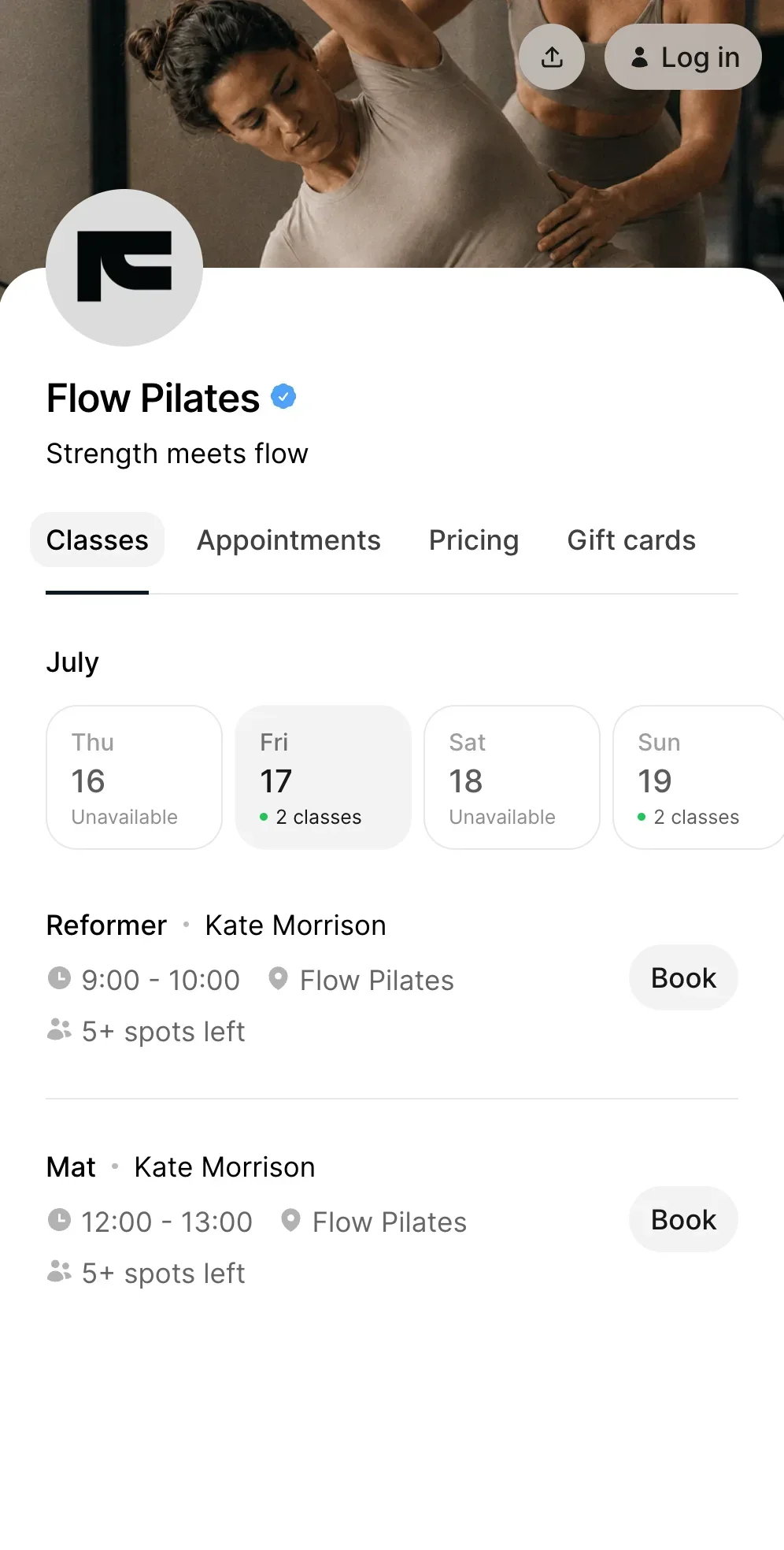
Booking confirmation
Booking confirmation is a message sent to a client after they successfully book a class or appointment, confirming the details of their reservation.
It reassures clients that their booking is complete and provides important information about their upcoming session.
What is a booking confirmation and how does it work?
A booking confirmation is automatically generated after a client completes a booking.
Here’s how it works:
- A client books a class or appointment
- The system processes the booking (and payment, if required)
- A confirmation message is sent instantly
- The client receives all booking details
Booking confirmations are typically part of an online booking system and work together with online payments and automated reminders.
What does a booking confirmation include?
A booking confirmation usually contains key information about the reservation:
- Date and time of the class or appointment
- Location or online access details
- Service or class name
- Payment status
- Cancellation or policy information
This ensures clients know exactly what to expect.
Why booking confirmations are important
Booking confirmations help reduce confusion and improve trust.
They help:
- Confirm that the booking was successful
- Reduce client uncertainty
- Provide clear session details
- Improve overall client experience
Without confirmation, clients may be unsure if their booking went through.
Example of a booking confirmation
A client books a Pilates class online.
- Completes the booking and payment
- Receives a confirmation email instantly
- Sees the class details and time
- Knows their spot is reserved
This creates a smooth and reassuring booking experience.
Booking confirmation vs automated reminders
Booking confirmations and automated reminders serve different purposes.
- Booking confirmation: sent immediately after booking
- Reminder: sent before the session
Confirmations provide assurance, while reminders help clients remember.
How booking confirmations connect with the booking flow
Booking confirmations are a key step in the booking journey.
They connect:
Together, they create a complete and seamless booking experience.
Benefits of booking confirmations
- Clear communication Clients receive all important details instantly.
- Reduced support requests Fewer questions about booking status.
- Improved trust Clients feel confident their booking is confirmed.
- Better organization Both clients and businesses stay aligned.
Who uses booking confirmations?
Booking confirmations are used by:
- Pilates studios
- Yoga studios
- Gyms
- Dance studios
- Personal trainers
- Spin studios
- Pole dance studios
- CrossFit gyms
- Boxing gyms
Any business offering online booking should send confirmations.
What to consider when setting up booking confirmations
When configuring confirmations, businesses should include:
- Clear booking details
- Payment confirmation (if applicable)
- Cancellation policies
- Contact information
Well-structured confirmations improve clarity and reduce confusion.
Key takeaway
Booking confirmations are an essential part of the booking process. They confirm reservations, provide key details, and improve the overall client experience.
Frequently asked questions
A booking confirmation is a message sent after a client successfully books a class or appointment.
It is sent immediately after the booking is completed.
It should include date, time, service details, and payment status.
Yes. They help clients feel confident that their booking is confirmed.
They help, especially when combined with reminders.
Booking confirmations with Time2book
Time2book sends instant booking confirmations so your clients always know their booking is secured.