Sell gift cards online, right from your booking page
Let clients buy gift cards and send them by email in seconds. Recipients book with the code, and every purchase stays connected to your clients and payments.
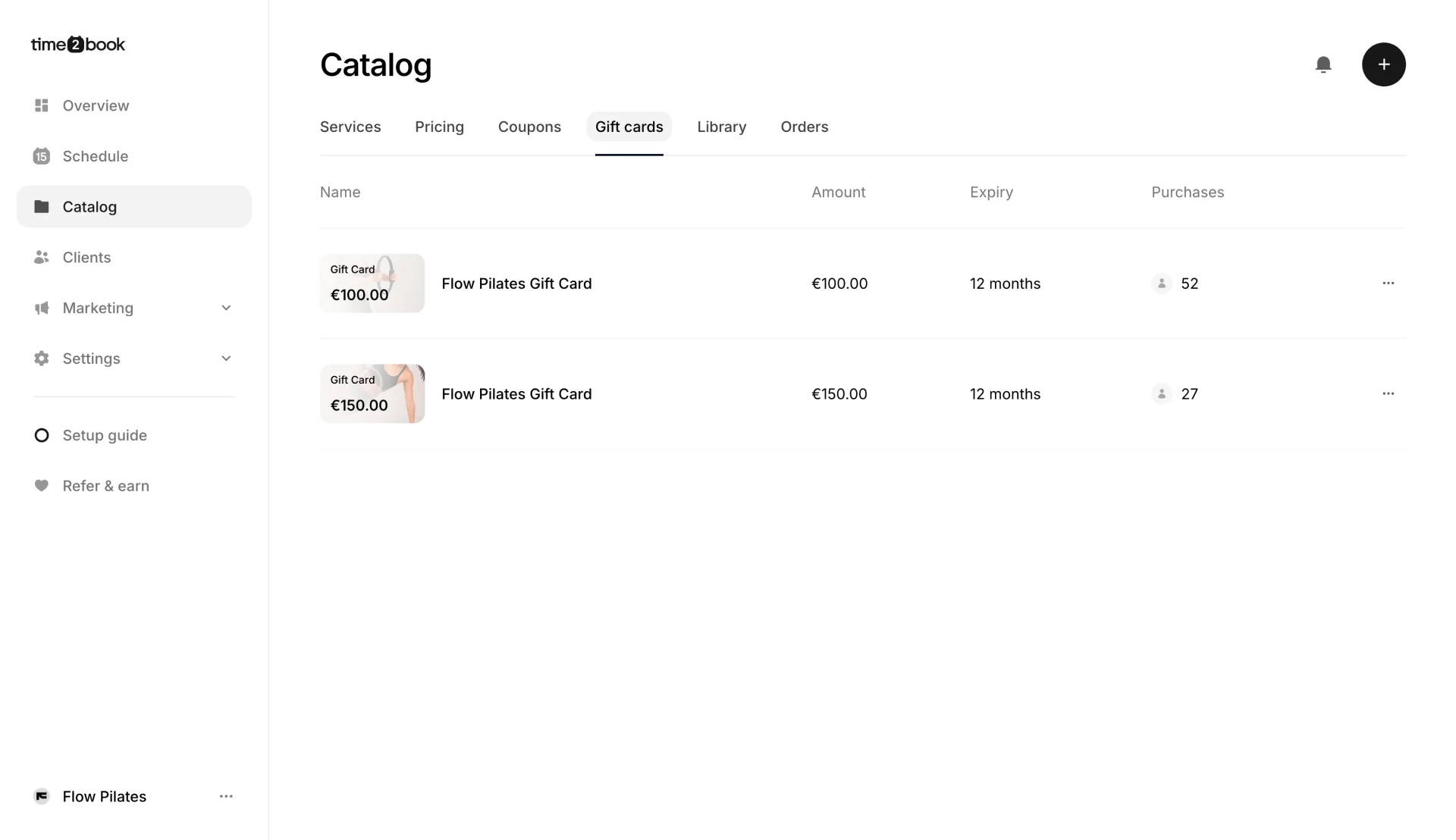
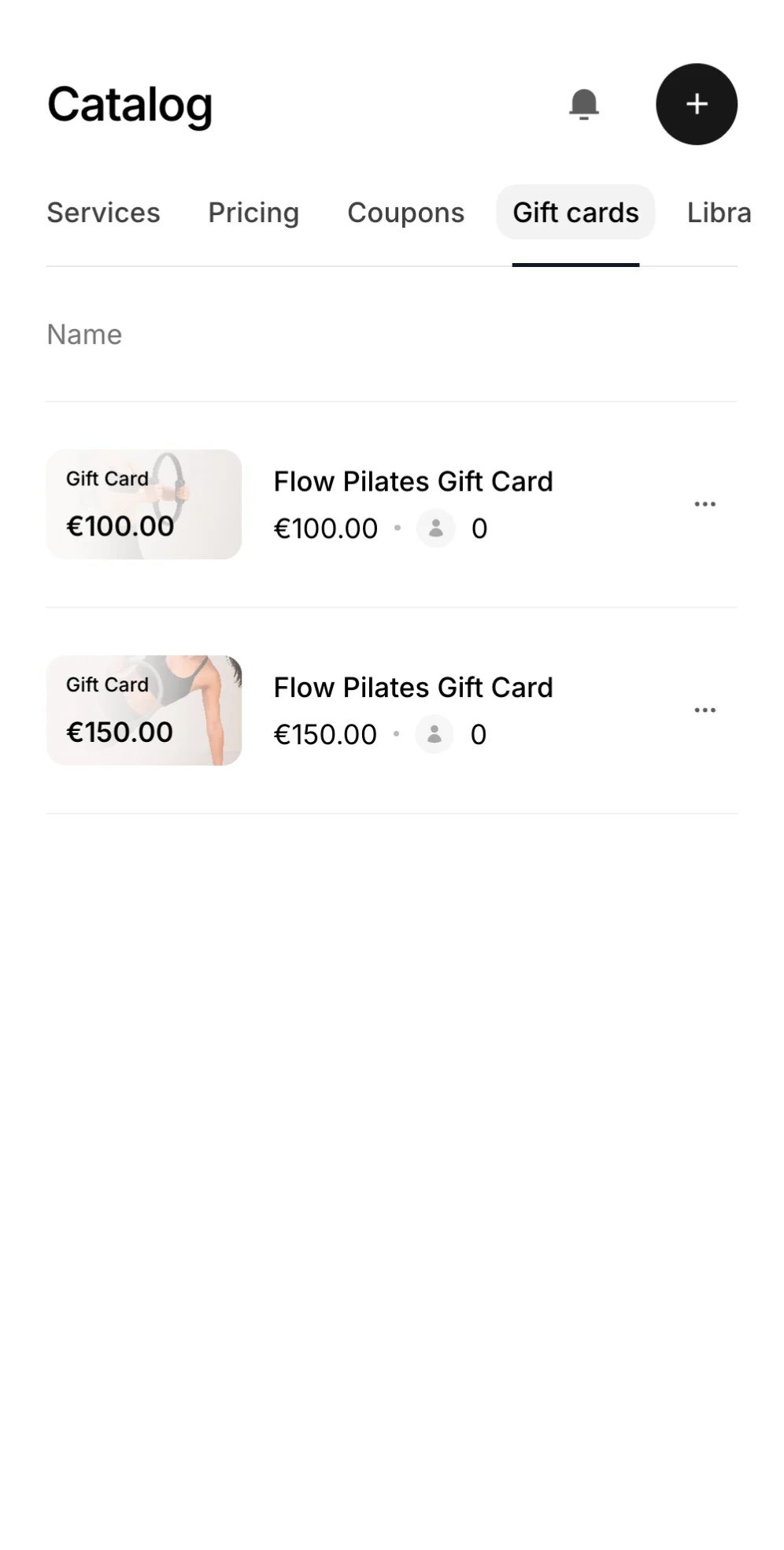

Gift cards that work like the rest of your studio
Sell, deliver, and redeem gift cards in the same place you run classes, memberships, and payments. No extra tools, no codes to send by hand.
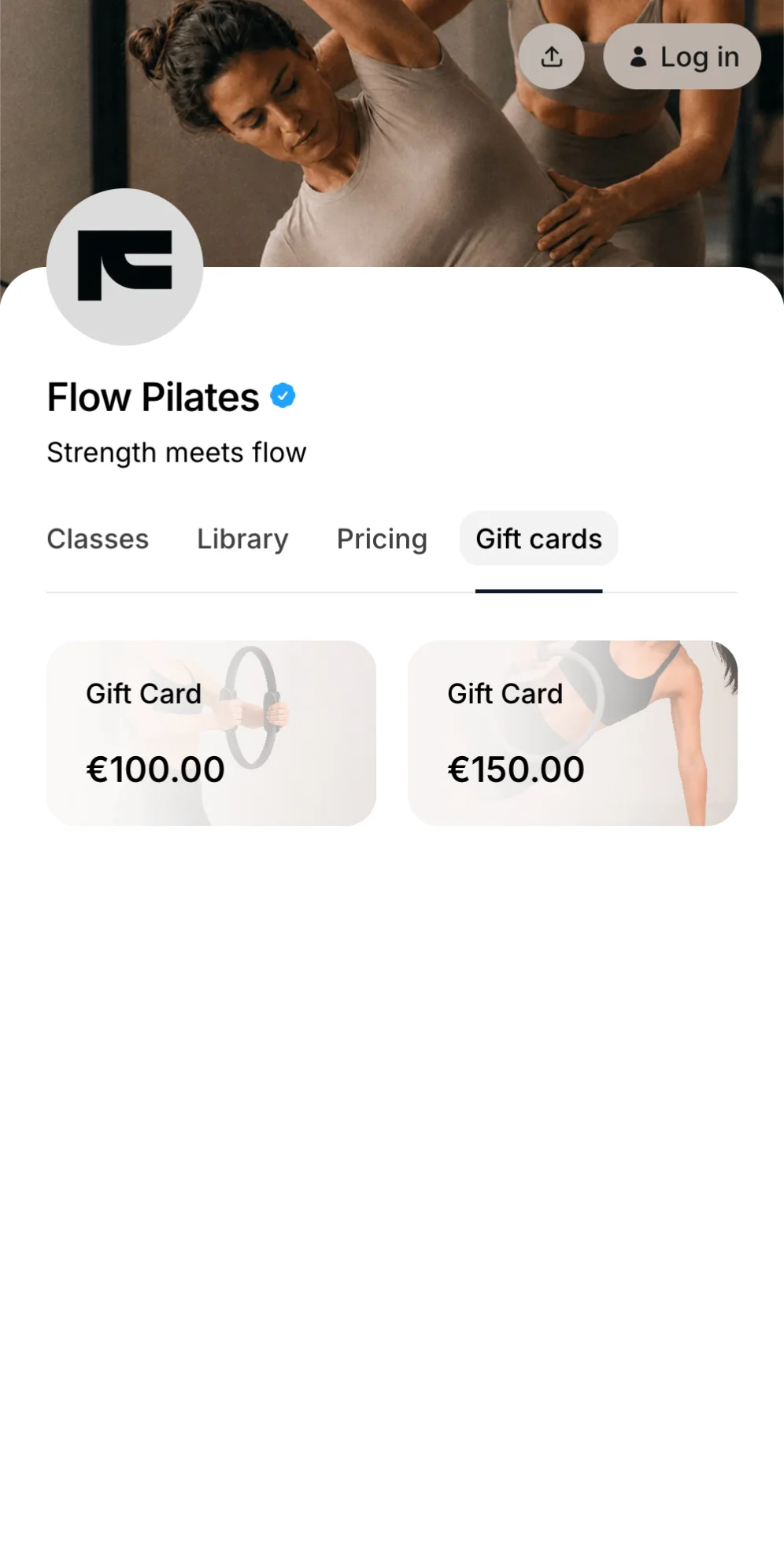
Sell gift cards on your booking page
Gift cards get their own tab on your booking page. Clients pick an amount, add a personal message, and pay online, any time of day.
Flexible validity lets you choose how long each gift card lasts.
Printable gift cards let buyers hand them over in person.
Purchase history shows who bought each gift card and when.
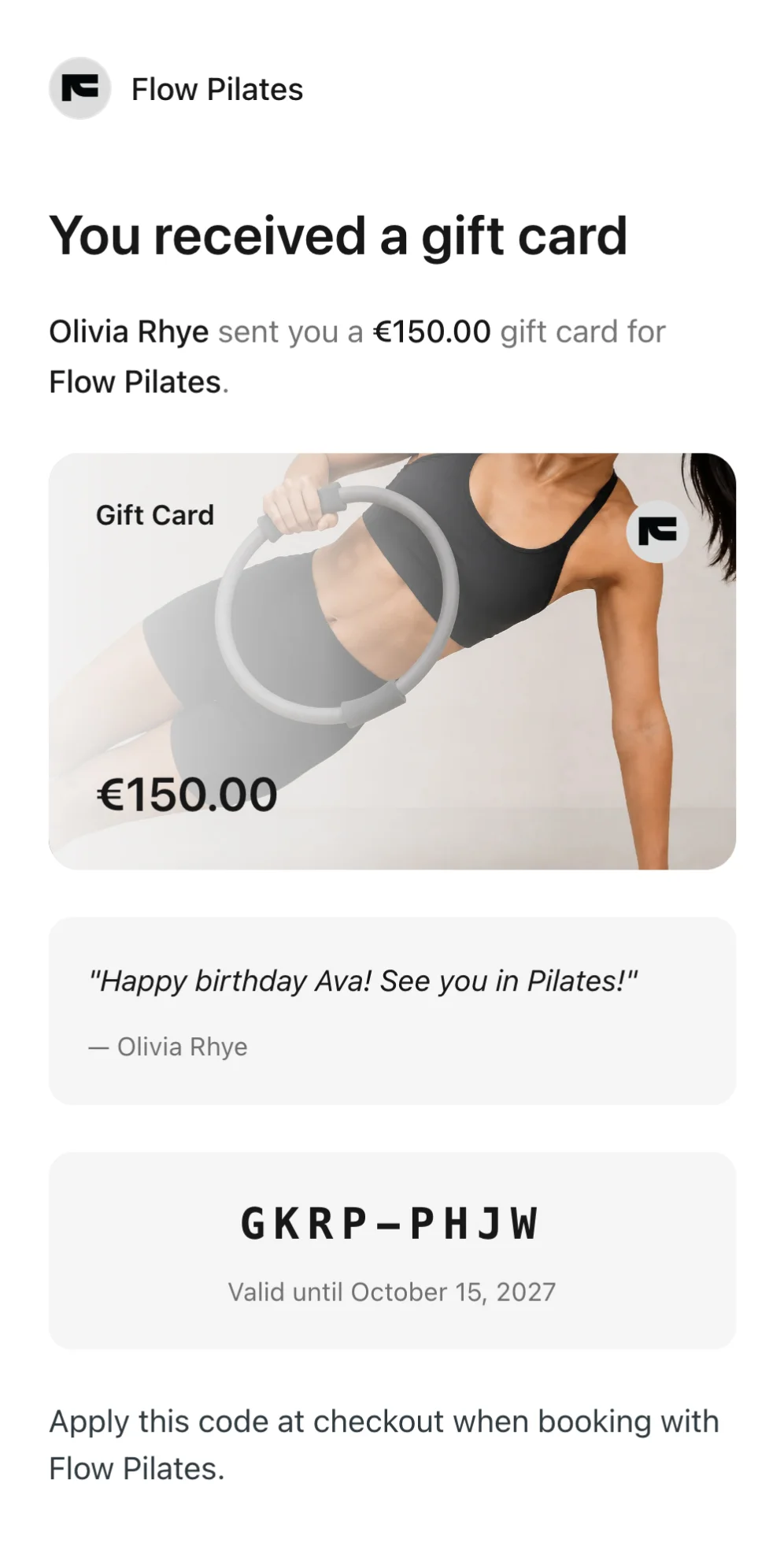
Delivered straight to their inbox
As soon as payment goes through, the recipient gets an email with everything they need to book with your studio.
Personal messages from the buyer come with every gift card.
Amount and code are clear and ready to use at checkout.
Expiry date is included, so there are no surprises.
How gift cards work
From setup to booking, gift cards stay simple and connected to your payments. Clients buy easily, and purchases and balances show up in your client profiles.
Get started for free1
Create your gift card
Set a name, amount, image, and how long it stays valid.
2
Share your booking page
Gift cards appear in their own tab. Clients choose one, add a message, and pay online.
3
Recipient books with the code
They enter the code at checkout and the gift card value is applied to the booking.
"I like that Time2book is intuitive to use, making it easy and quick to set up. The platform looks really clean and professional, which is great for my clients when they make bookings."
Cassidy, Founder of And Breathe Out

Frequently asked questions
Gift cards are prepaid credit that clients can buy for someone else. You create them in your catalog, they appear on your booking page, and the recipient gets a code by email to use at checkout.
They open the Gift cards tab on your booking page, pick a gift card, and enter the recipient's name and email, their own name, an optional personal message, and payment details. The gift card is emailed to the recipient as soon as the payment goes through.
The recipient books a class or appointment as usual and enters the gift card code at checkout. The gift card value is then applied to the booking.
Yes. Create as many gift cards as you like, such as €50, €100 and €150. Each one has its own name, description, image, amount and validity period.
You choose how long each gift card stays valid after purchase, for example 12 months. The expiry date is shown on the booking page, in the recipient's email and in the client profile.
Yes. Upload your own image (1600 × 900 recommended) and add a name and description. Your logo and studio name appear on the gift card and in the email the recipient gets.
Yes. After buying, the buyer sees a confirmation page with the gift card code and can print it if they would rather hand it over in person.
Open Catalog, then Gift cards, and click a gift card. The Purchases tab lists each buyer and purchase date. In a client's profile, the Overview tab shows their gift cards with code, remaining balance, expiry date and status.
Manage bookings and payments easier
Get a free 7-day trial
No credit card required