Client management software for fitness studios
Keep all your clients in one place. Manage profiles, bookings, and payments with a clear overview that helps you stay organized as you grow.
Trusted by 1,000+ businesses worldwide










Scheduling software that makes managing clients easy
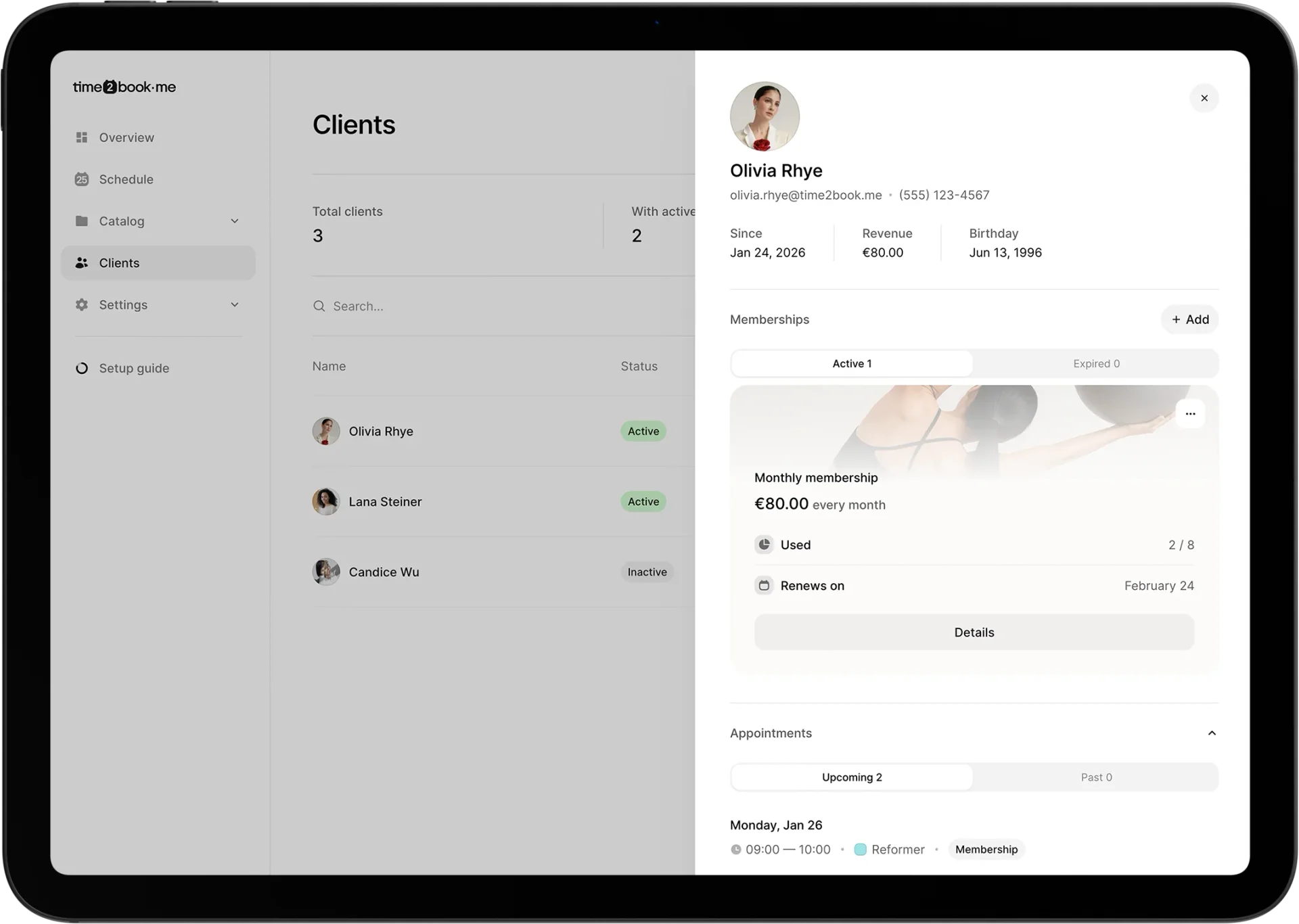
Client list, clearly organized
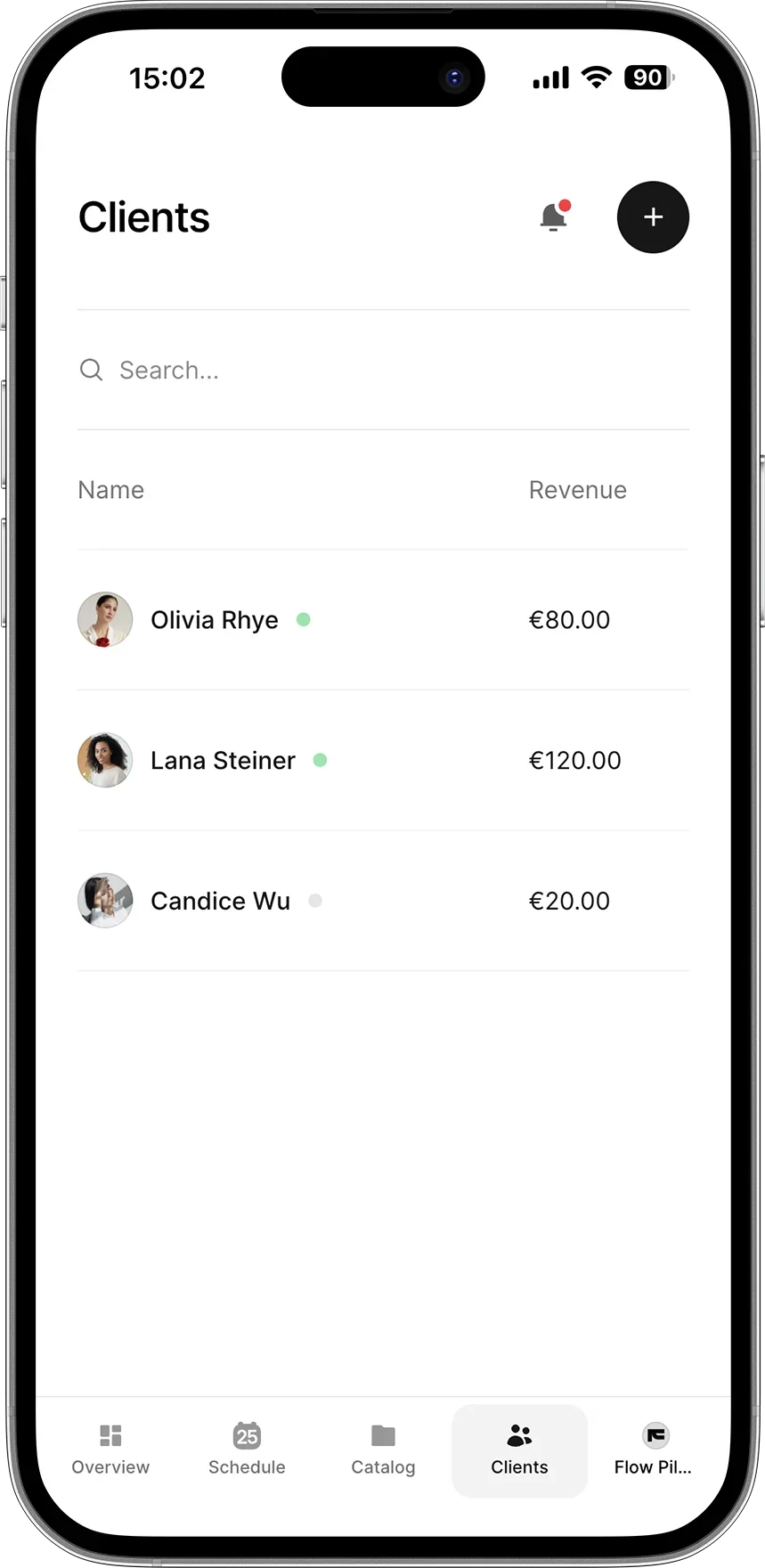
Get a clear overview of your clients and their activity. Everything stays connected to bookings and payments, so nothing gets lost.
Identify your most active clients
Search and filter your client list
Track top-paying clients
Access full client details in one view
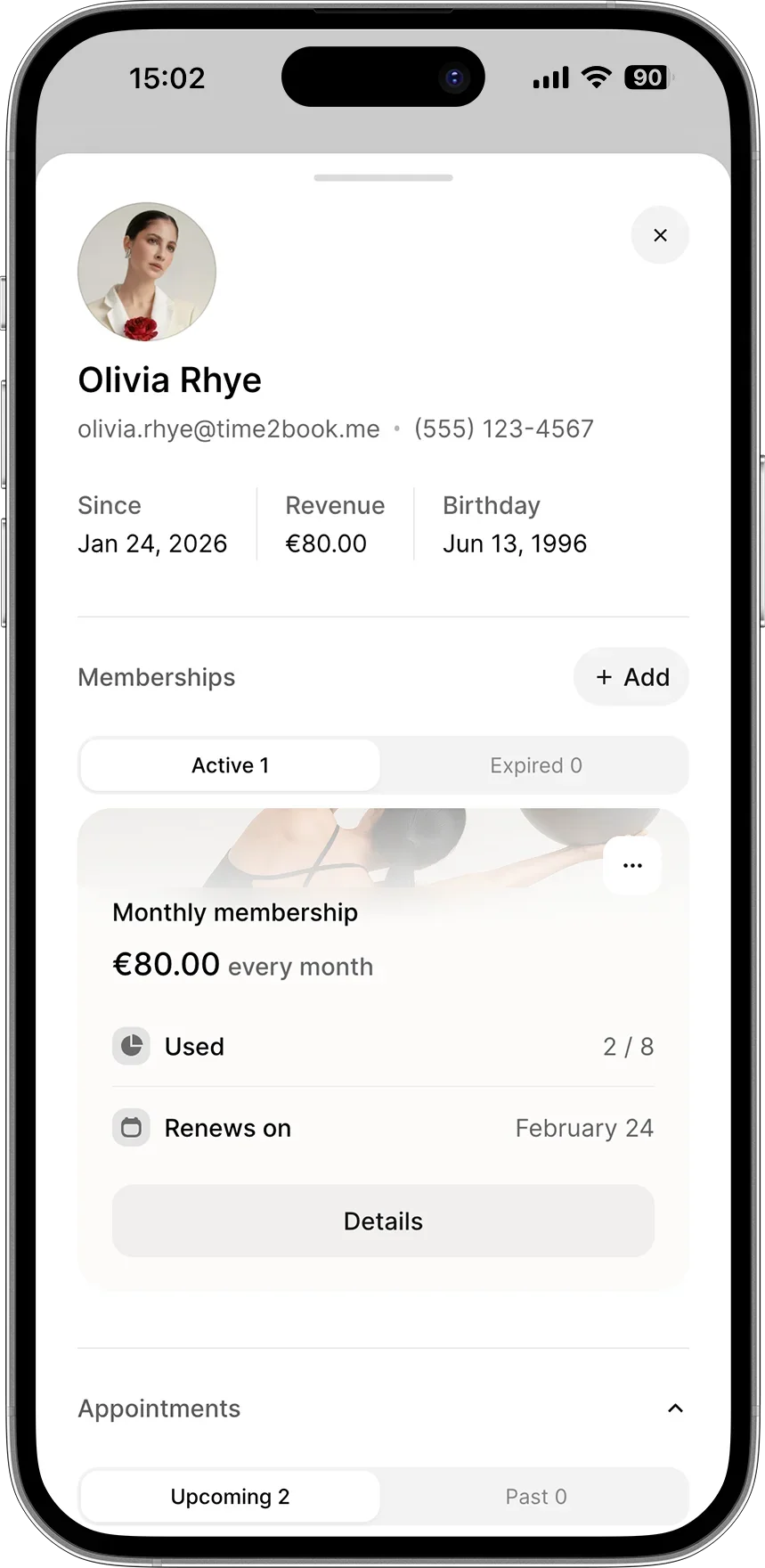
Client memberships and packages, all in one place
See exactly what each client has access to. Track active memberships, used credits, renewals, and package details
View active and expired memberships
See used credits and remaining access
Track renewals and payment history
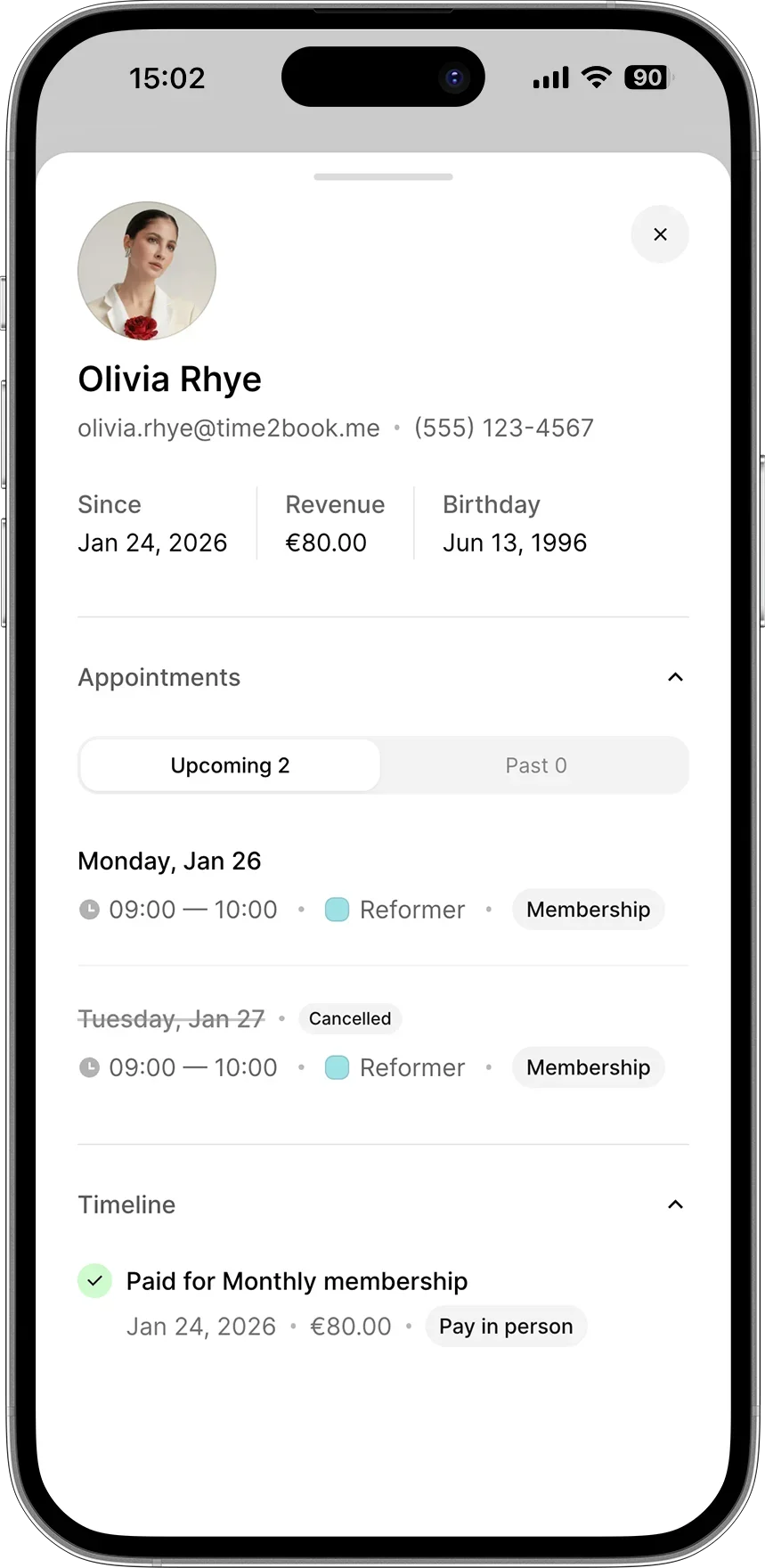
Full appointment history for every client
Every booking stays linked to the client profile, giving you a clear picture of their activity over time.
Upcoming and past bookings
Cancellation and status tracking
Session type and duration
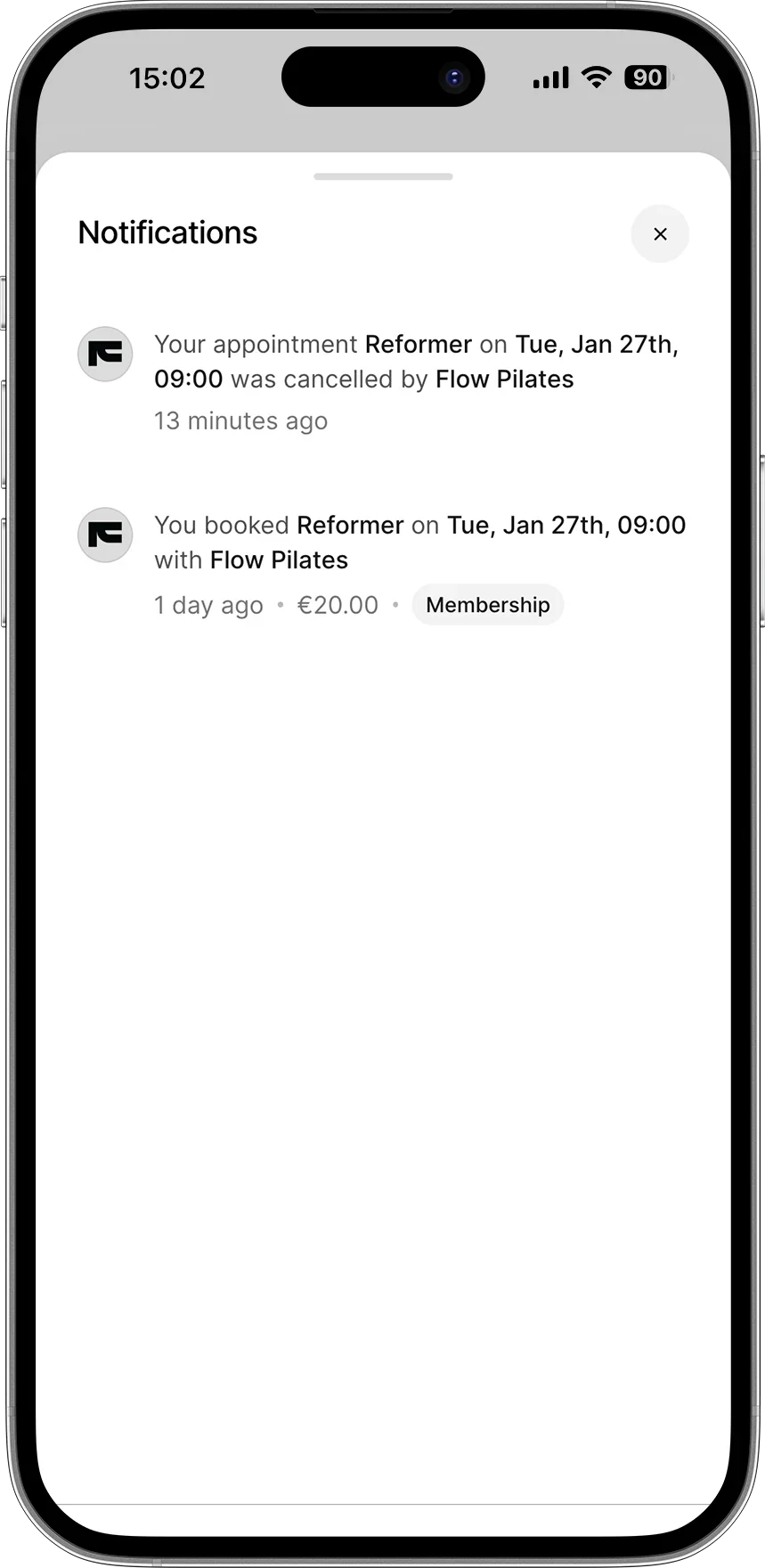
Automated reminders and confirmations
Reduce no-shows and keep everyone informed automatically. Clients receive confirmations and reminders, so they know exactly when and where to show up.
Platform notifications
Email confirmations and reminders
SMS reminders
How client management software works
Whether you work with individual clients or large groups, client details, bookings, and payments stay connected in one place.
Get started for free1
Add clients your way
Clients are added automatically when they book or pay — or you can add them manually anytime.
2
View full client profiles
See contact details, booking history, memberships, packages, and revenue per client.
3
Track client activity
Stay on top of bookings, usage, renewals, and payments as everything updates automatically.
Client management for any businesses
No matter your business type, Time2book brings bookings, class schedules, payments and client management together.










"I like that Time2book is intuitive to use, making it easy and quick to set up. The platform looks really clean and professional, which is great for my clients when they make bookings."
Cassidy, Founder of And Breathe Out

Frequently asked questions
What is client management software?
Client management software helps you organize client information, track bookings and payments, and understand client activity in one place. It replaces spreadsheets, notes, and disconnected tools with a single system.
How does client management work in Time2book?
Client profiles are created automatically when someone books or pays — or you can add clients manually. Each profile keeps booking history, memberships, packages, and payments connected.
What information is stored in a client profile?
Each client profile includes contact details, booking history, memberships, packages, payment history, and activity overview, giving you a complete picture of every client.
Can I add clients manually?
Yes. You can add clients manually at any time or let them be added automatically through bookings, class sign-ups, or payments.
Can I see which clients are most active or generate the most revenue?
Yes. Client management tools help you identify your most active clients, track revenue per client, and understand booking patterns over time.
Does client management work for both classes and appointments?
Yes. Client management supports both group classes and one-on-one appointments, keeping all client activity in one place.
How does client management help grow my business?
By understanding client behavior, booking history, and usage, you can improve retention, reduce churn, and encourage repeat bookings with less manual effort.
Is Time2book a good alternative to Mindbody for client management?
Yes. Many businesses choose Time2book as a Mindbody alternative because it’s easier to set up, simpler to manage, and focused on everyday client workflows rather than enterprise-level complexity.
Can I track client memberships and packages?
Yes. You can see active memberships, used credits, remaining access, renewals, and package details directly in each client profile.
Manage bookings and payments easier
Get a free 7-day trial
No credit card required