Free migration
Switch to Time2book. We’ll move your studio for you.
Send us your exports from Glofox, Mindbody, Momence, or most other systems. We import your clients, credits, memberships, and bookings. Free on every plan.
Start during your free trial
No emails to your clients
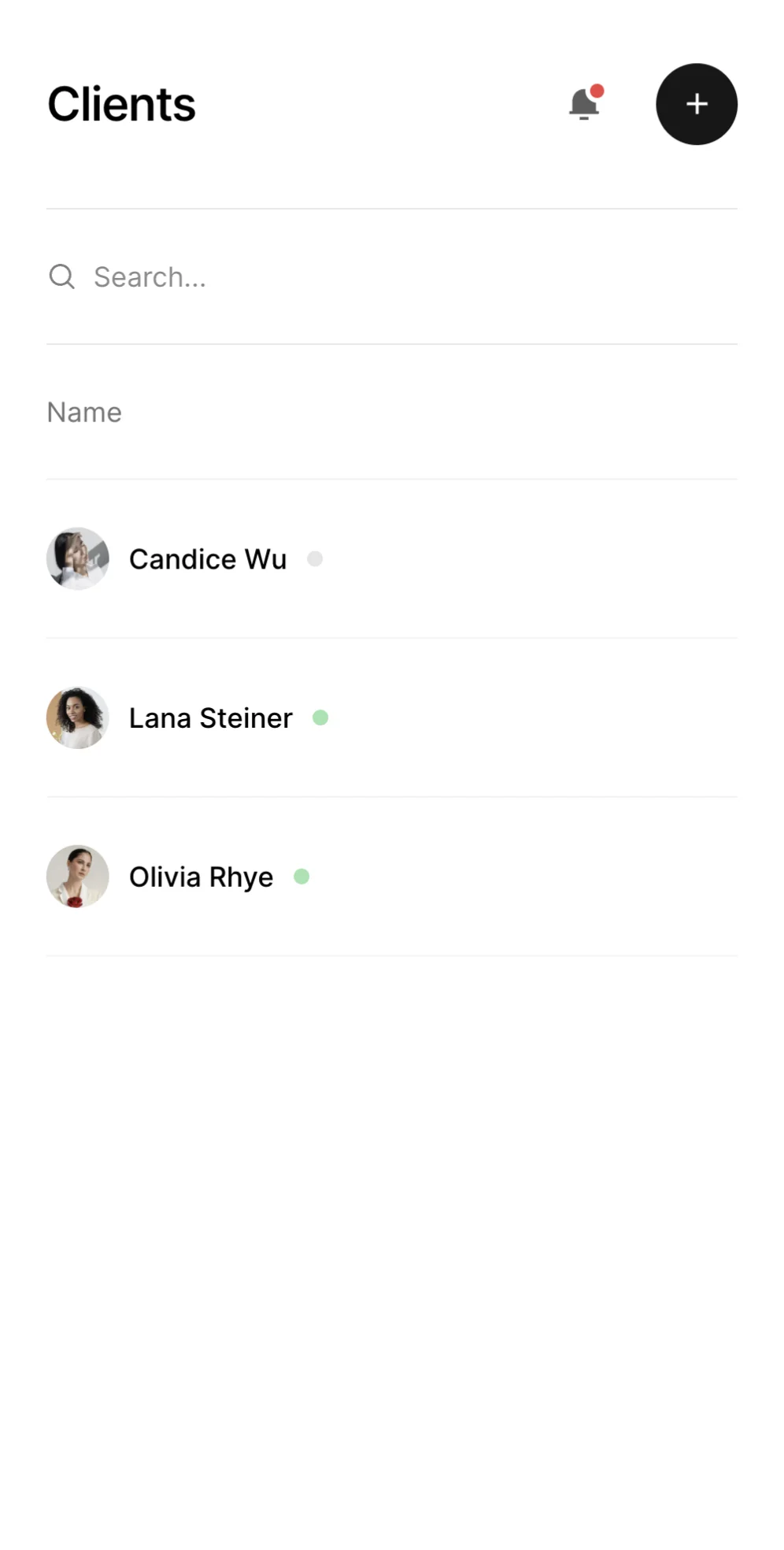
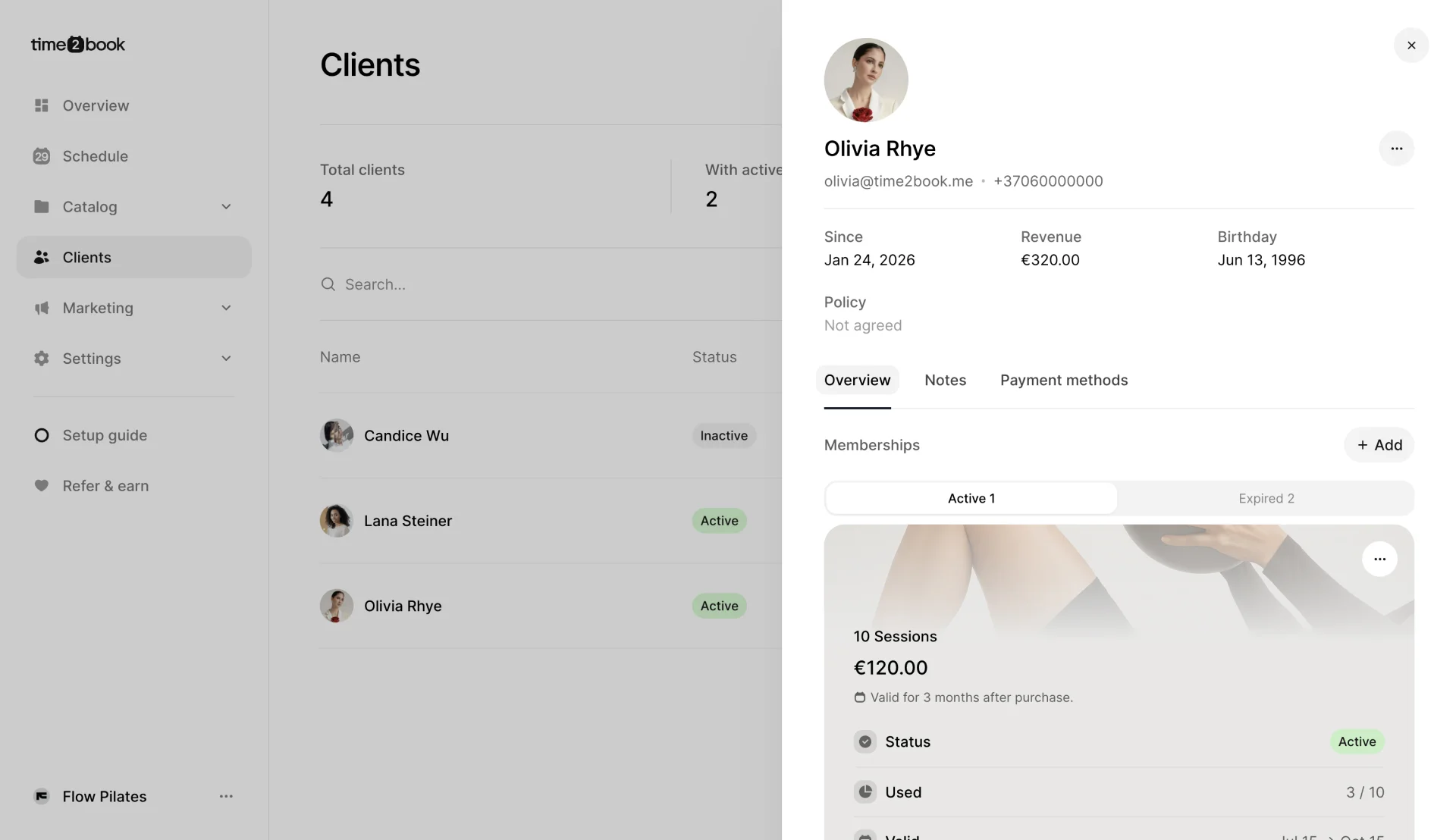

Your clients pick up where they left off
Clients and leads
Contact details and birthdays. Leads stay leads.
Class pack credits
Every client keeps the credits they have left, and the expiry date if your old system has one.
Memberships
Recurring memberships renew on the same date as before.
Bookings
Past visits for history, upcoming bookings so nobody loses a spot.
Example import
A Pilates studio moved from Glofox in one day
Clients kept their remaining credits, and recurring members kept their renewal dates. Nobody got an email until the studio was ready to announce the switch.
Glofox import
Done in 1 day
- Clients and leads344
- Memberships and class packs97
- Past and upcoming bookings728
- Emails sent to clients0

How migration works
Send your exports
We’ll tell you which CSV files to download.
We import everything
Quietly. Your clients get no emails.
Check and switch
Review your data, share your new booking link, and cancel your old subscriptions.







Frequently asked questions about migration
Nothing. Migration is free on every plan, and you can start it during your free trial.
We’ve moved a studio from Glofox, and we can work with Mindbody, Momence, Arketa, PushPress, WellnessLiving, Vagaro, and others. If your current system can export clients and memberships as CSV or Excel files, we can usually import them. Not sure? Email us and we’ll check.
Usually your client list, leads, active memberships, and class pack balances. A bookings export is optional and brings over past and upcoming visits. Export names differ between systems, so we’ll tell you exactly which files to download from yours.
No. The import is silent, so clients don’t get welcome, booking, or payment emails while we move things over. You decide when to tell them about the switch.
No. Their account is ready with their credits and memberships. They sign in with their email address and a one-time code, so there’s no new password to remember.
They carry over with the same renewal date. Until a client adds a card, each renewal creates an in-person invoice for you to collect. Once your Stripe account is connected and they add a card, the membership switches to automatic card payments. Cancel the subscriptions in your old system after the import so nobody is charged twice.
No. Payment providers don’t allow saved cards to be moved between systems. Clients don’t need to buy anything again, though: when a client adds a card in Time2book, it’s attached to their existing memberships automatically. After the import, send one announcement asking clients to add a card.
Our last Glofox studio was moved in one day. Most migrations are done within a few working days of getting your files, depending on how much data there is. We check the numbers with you before you tell clients to switch.
Manage bookings and payments easier
Get a free 7-day trial
No credit card required