
A driving school juggles more than a solo instructor. Several instructors share students, cars, and time slots. Teens need classroom hours before they get behind the wheel, parents pay the bills, and many states want a certificate at the end.
Driving school software puts all of that on one schedule, so students book themselves, payments come in up front, and the office stops spending its day on the phone. In this guide, we compare the best options in 2026, from full driver's ed platforms to simpler booking systems. If you teach on your own, see our best driving instructor software guide instead.
Best Driving School Software at a Glance
| Software | Best for | Starting price | Main consideration |
|---|---|---|---|
| Time2book | Schools wanting simple online booking and payments | $39/mo or $29/mo annually | No state certificates or fleet tools |
| Drive Scout | US schools with office staff | $250/mo (5 users) + $250 setup | No classroom course tools |
| DriversEdPro | Schools teaching classroom and online driver's ed | $9.99 per student (first year) | Per-student cost grows with volume |
| Zutobi Instructor | Schools wanting a built-in video curriculum | From $99/mo | Per-student fee after 12 students |
| Drivers Ed Solutions | Schools wanting per-student pricing and no subscription | $6.25 per student + package fee | Scheduling only, no course content |
| DrivingSchoolSoftware.com | Schools needing specific state forms | Quote only | No public pricing |
| Software for Driving School | New US schools wanting a website and enrollment | $49/mo | Card payments not live yet |
| Total Drive | UK multi-car schools | £18/mo per instructor; schools on request | UK only |
Pricing checked on each vendor's website in November 2026 and may change.
1. Time2book — Best for Simple Online Booking and Payments
Best for: small and mid-sized driving schools that want students and parents to book and pay online, with classroom sessions and behind-the-wheel lessons on one schedule.
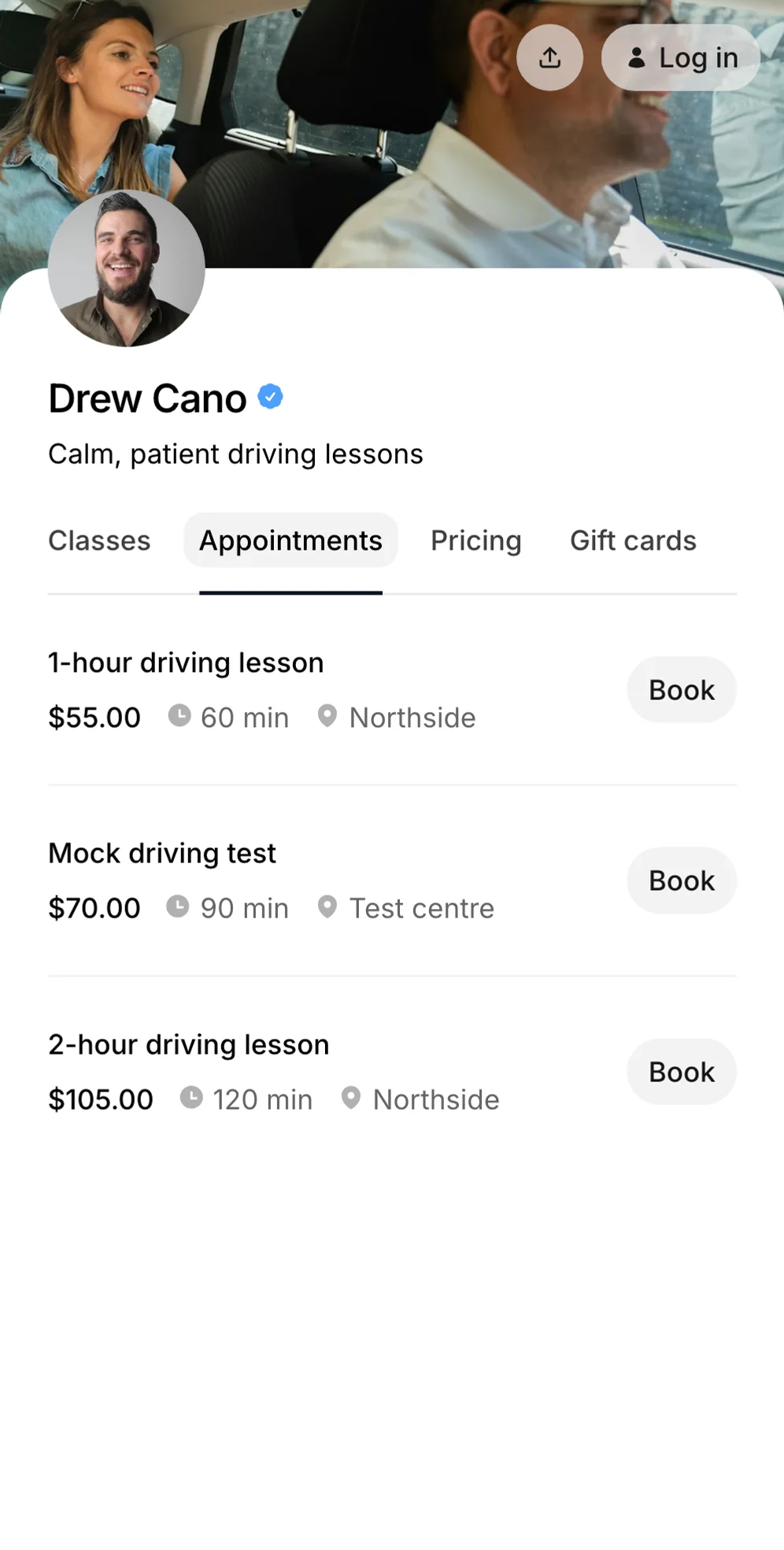
Time2book gives your school one booking page. Students pick a classroom session or a behind-the-wheel lesson, choose an instructor or anyone who's free, and pay by card. Parents can book classroom sessions for their teen from their own login.
Key features:
- Class scheduling for classroom sessions, with a seat limit per session
- Appointment booking for behind-the-wheel lessons inside each instructor's working hours
- Several instructors, each with their own hours, and unlimited locations on every plan
- Child accounts, so parents book classroom sessions for their teen
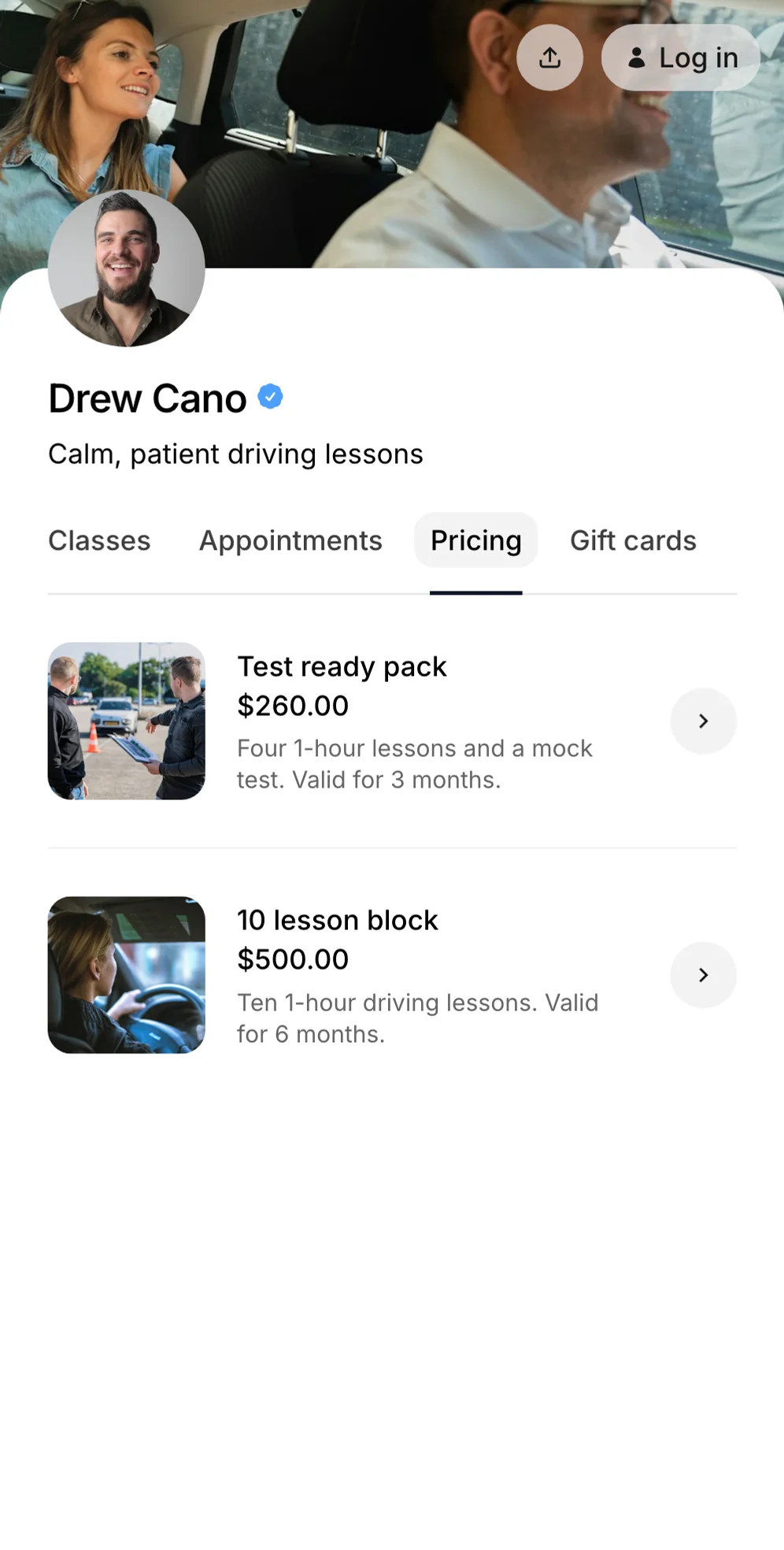
- Lesson packs, such as 10 lessons valid for six months, plus discount codes
- Payments by card, Apple Pay, and Google Pay at booking
- Automated email reminders and attendance tracking for classroom sessions
- Student profiles with notes, lesson history, and lessons left
Pricing: from $39/month, or $29/month billed annually, for one instructor. Growth adds up to 5 instructors at $79/month ($59 annually), and Professional has no instructor limit at $129/month ($99 annually). Payments go through your own Stripe account at Stripe's rate plus a 0.9% platform fee. See pricing.
Consider: there are no state certificates, DMV reporting, vehicle scheduling, payroll, or online course content. Learners can't enter a pickup address when they book.
2. Drive Scout — Best for US Schools With Office Staff
Best for: US driving schools with an office team running bookings, payments, cars, and instructor payroll.
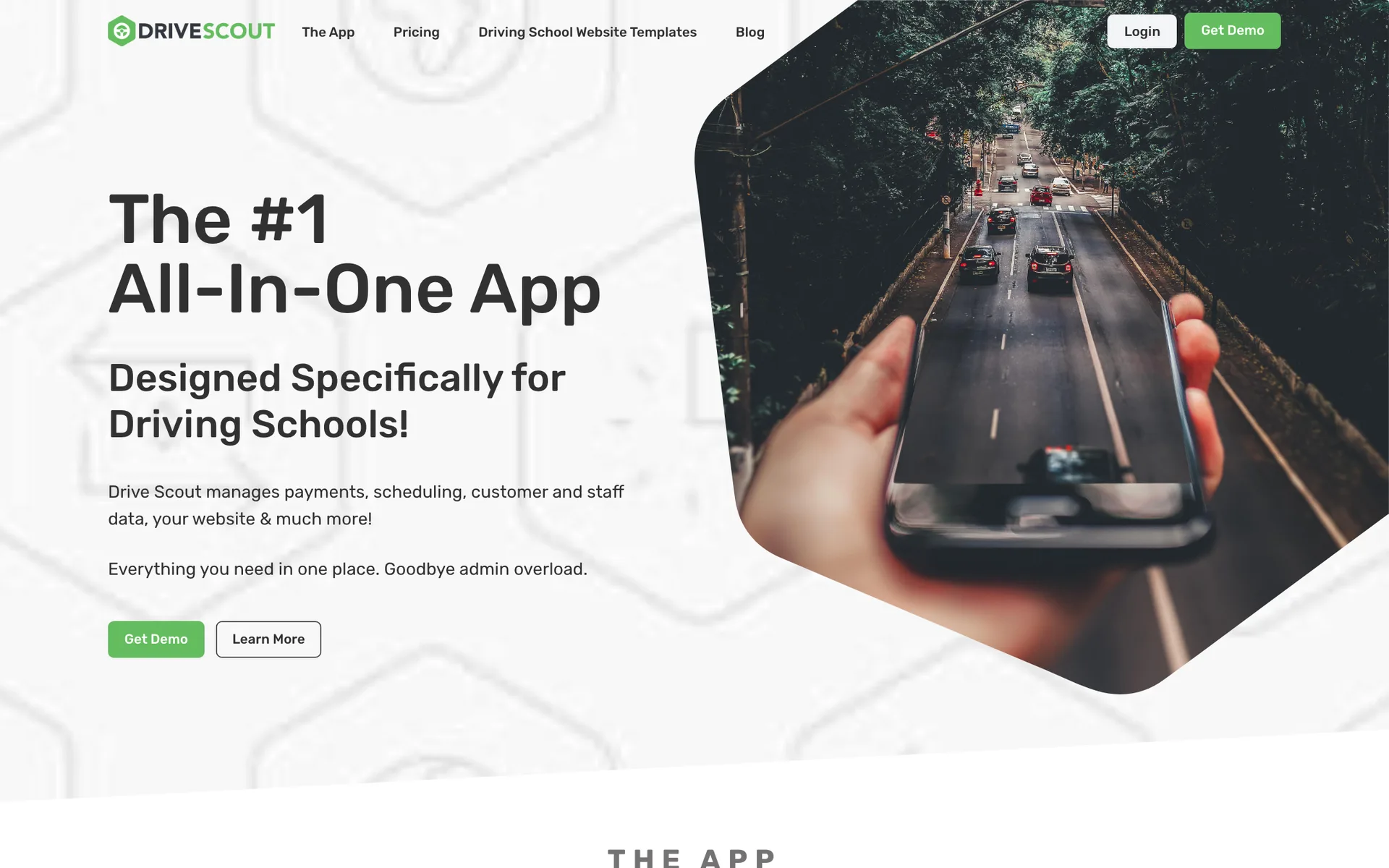
Drive Scout says it's the exclusive software provider for the Driving School Association of California. Students book behind-the-wheel lessons online 24/7, with zones to cut instructor travel, and the system checks car availability to prevent double-booking. It also tracks certificates at lesson-hour milestones, keeps digital records for DMV audits, and includes payroll reports and a student and parent portal.
Pricing: $50 per user per month with a 5-user minimum ($250/month), plus a $250 setup fee that includes training. Annual billing is $2,400 a year for 5 users. Students and parents are free. There's a free demo; no free trial is advertised.
Consider: classroom course management isn't covered, and the 5-user minimum is a lot for a small school.
3. DriversEdPro — Best for Classroom and Online Driver's Ed
Best for: schools that teach classroom or online driver's ed alongside behind-the-wheel lessons.
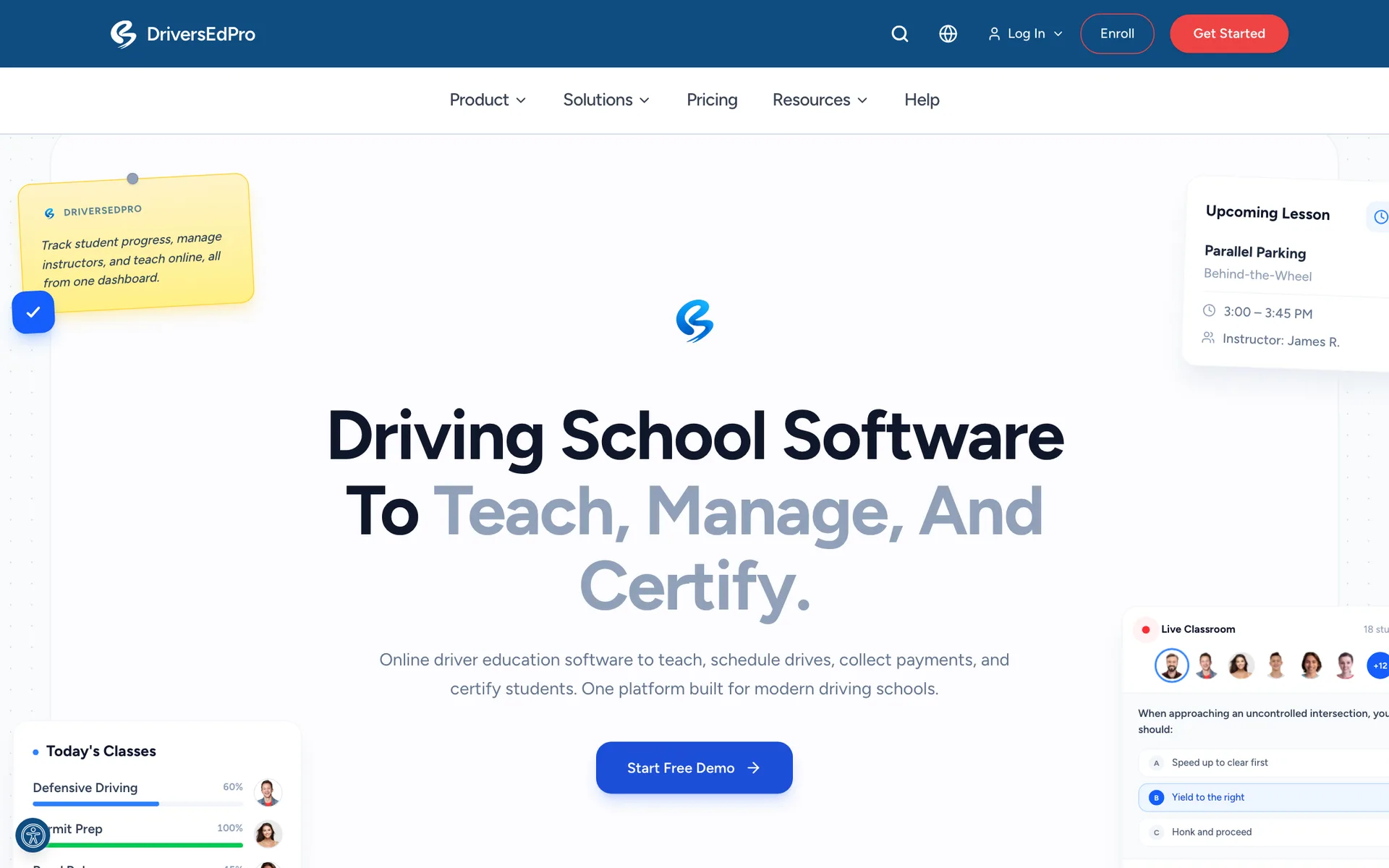
DriversEdPro runs live in-person, live online, and (on Standard) self-paced classroom courses with your own curriculum and quizzes, and books behind-the-wheel lessons within instructor and car availability. It issues completion certificates, supports teen, adult, CDL, and motorcycle programs, and has iOS and Android apps for students and instructors, plus a parent portal.
Pricing: charged per student, with no monthly subscription or setup fee. Every plan is $9.99 per student in the first year. After that, Essentials is $14.99 per student (up to 3 staff) and Standard is $19.99 per student (up to 12 staff). Multi-location schools get custom pricing. You can pass the fee on to the student at checkout.
Consider: per-student pricing adds up for a high-volume school, and the standard plans cover one campus.
4. Zutobi Instructor — Best Built-In Curriculum
Best for: schools that want scheduling plus ready-made videos and classroom slides.
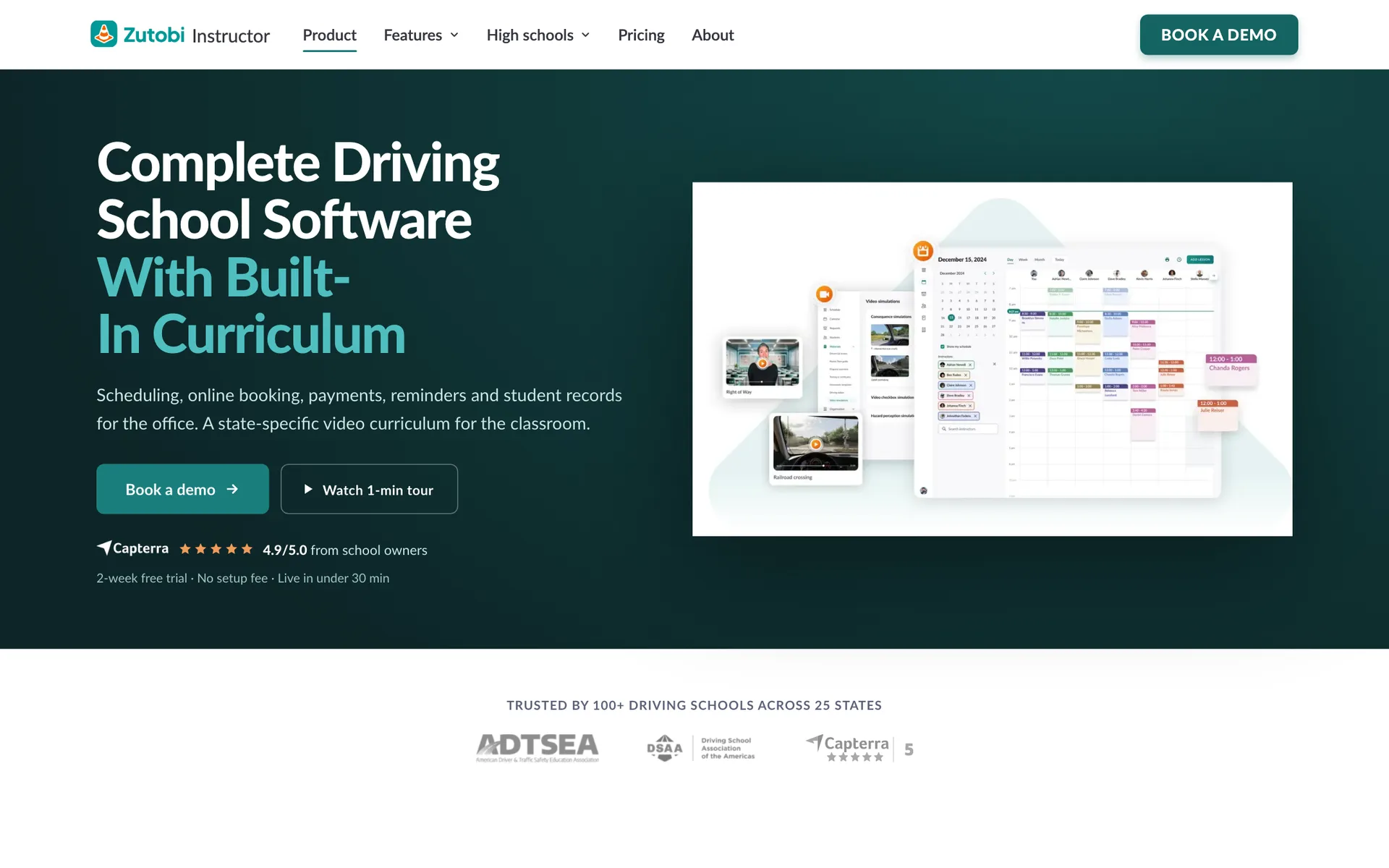
Zutobi Instructor combines a drag-and-drop calendar for instructors, cars, and zones with 24/7 student booking. It includes 100+ state-specific videos, simulations, and classroom slides, e-signed state forms and hour logs, SMS and email reminders, and a website builder. Payments run through Stripe or Square.
Pricing: from $99/month per school, covering the first 12 students, with a one-time fee for each new student after that. No setup fee, month-to-month, and a 2-week free trial after a demo. Schools can resell the Zutobi student app and Parent Guide for up to $60 more per student. Multi-location plans are quote-only.
Consider: the fee for each student after the first 12 isn't published, and it doesn't list which states its curriculum covers.
5. Drivers Ed Solutions — Best Per-Student Pricing
Best for: US driver's ed providers that want to pay per student instead of a subscription.

Drivers Ed Solutions handles online sign-up for classes and drive times, waitlists for drive times, and printable state forms filled in with student and school details. It blocks double-booked cars and overbooked classes, charges late-cancel and no-show fees automatically, and has no limits on admins, instructors, students, or vehicles.
Pricing: $6.25 per student, one time, with every feature included. Services under $250 pay 2.5% instead. You also pay a one-off package fee from $600 (payable at $150/month), and online payments cost $275 to set up.
Consider: it handles registration and scheduling, not course content, and the website and interface feel dated.
6. DrivingSchoolSoftware.com — Best for State Forms
Best for: US and Canadian schools that need certificates and state forms for specific state systems.
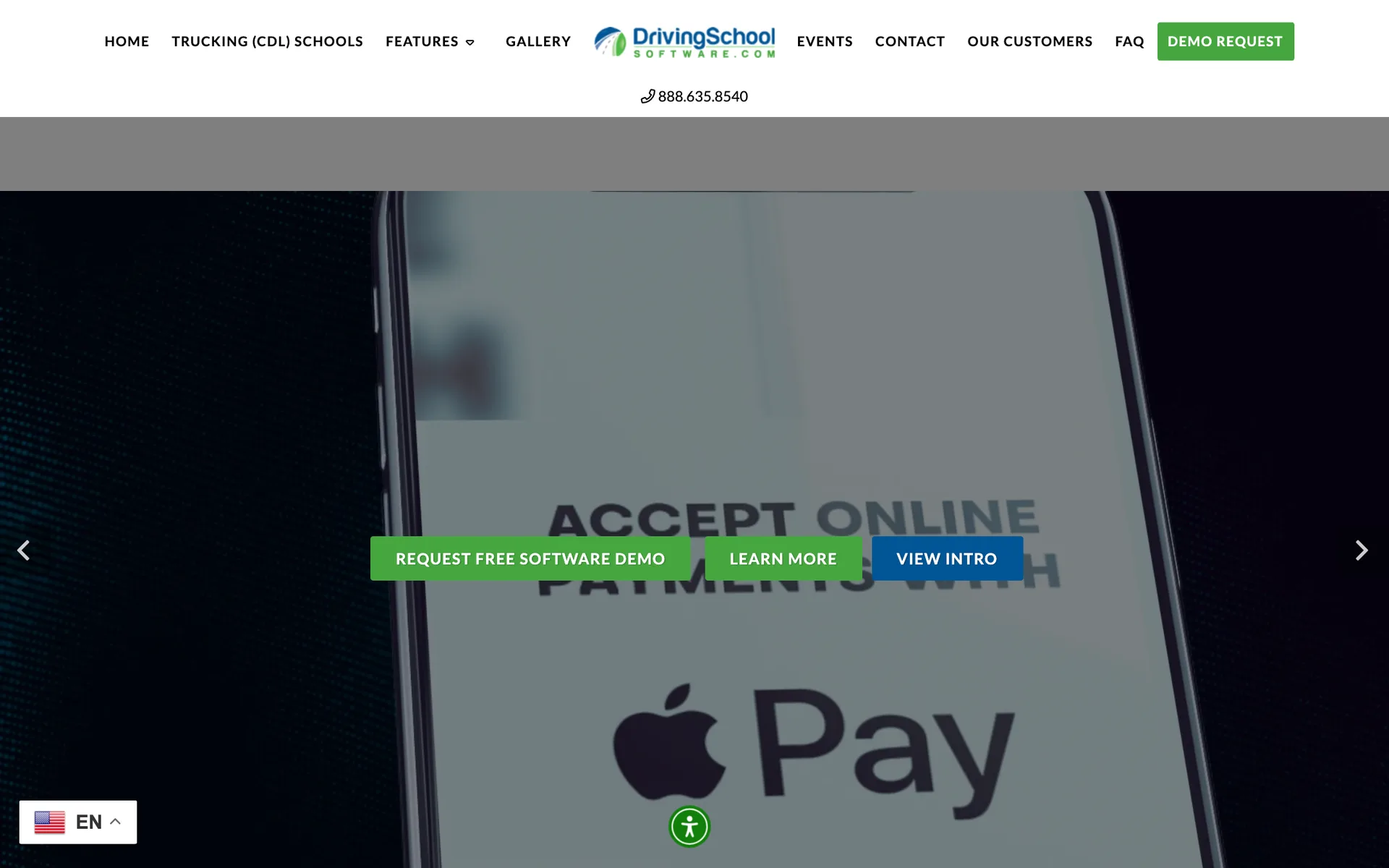
DrivingSchoolSoftware.com covers in-car scheduling with late-cancel and no-show rules, class sessions with rosters and attendance, online sign-up, and student self-scheduling. It prints student certificates and state forms, and names support for Michigan's CARS and Massachusetts' ATLAS systems. Card processing is built in. A sister product serves truck (CDL) schools.
Pricing: not published. You need to book a demo for a quote.
Consider: with no public pricing, it's hard to compare, and its site doesn't mention vehicle or payroll tools.
7. Software for Driving School — Best for a New School's Website
Best for: new US driving schools that want a website, online enrollment, and scheduling in one place.
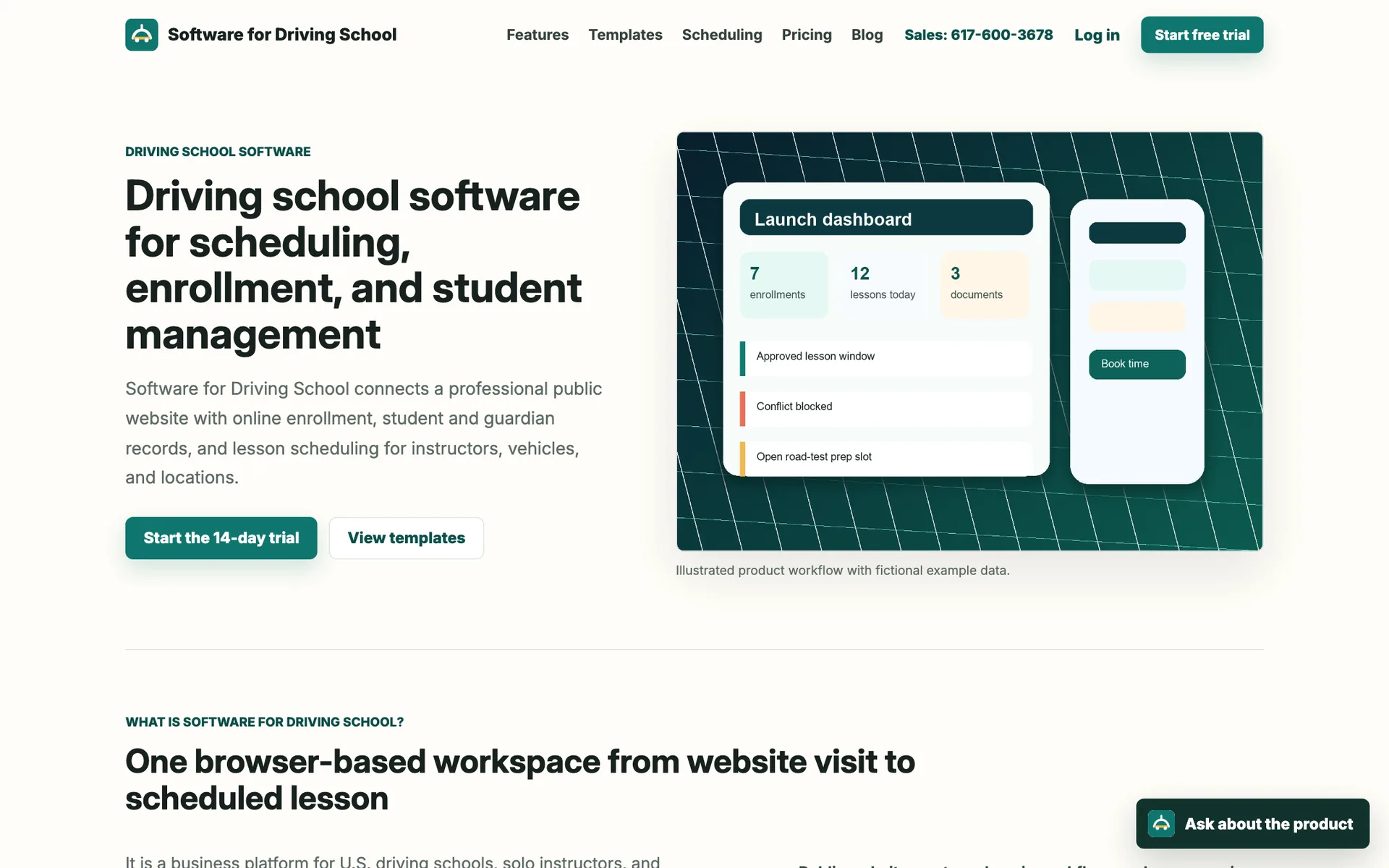
Software for Driving School combines website templates and online enrollment with student and guardian records, documents, and waivers. Lesson booking checks instructors, cars, locations, closures, and permits, and the Growth plan supports up to 25 locations.
Pricing: Solo is $49/month (1 user), Team is $79/month (up to 10 users), and Growth is $399/month (unlimited users, up to 25 locations). There's a 14-day free trial.
Consider: its own pricing page says live card payments aren't available yet, so you can only record whether a student has paid. It has no classroom or certificate tools.
8. Total Drive — Best for UK Multi-Car Schools
Best for: UK driving schools with several instructors.
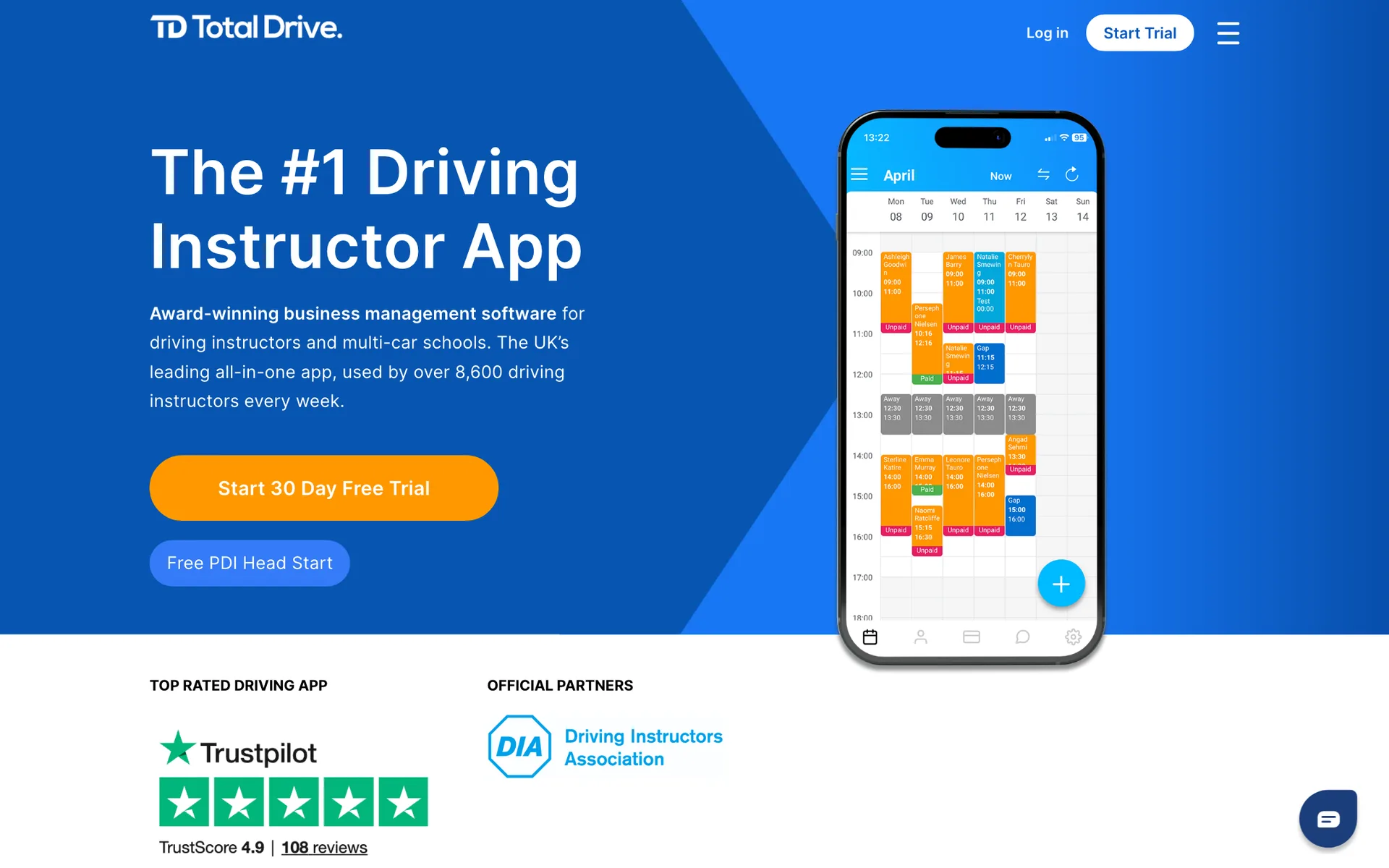
Total Drive's school version lets owners assign pupils to instructors, see each instructor's diary and waiting list, and track hours and pass rates per instructor. Pupils get a branded app. It's built for UK driving tests and DVSA requirements.
Pricing: instructor plans run £18–£26/month including VAT. School pricing is on request. There's a 30-day free trial.
Consider: there are no vehicle or classroom tools, and it's built for the UK only.
Key Features of Driving School Software
Behind-the-wheel booking across instructors
Students should book a lesson with a specific instructor or anyone who's free, without calling the office. The schedule needs to stop two students booking the same instructor at once.
Classroom sessions and courses
Most teen programs start in the classroom. Look for sessions with a seat limit and attendance, and decide whether you also need online course content, which only some platforms include.
Certificates and state paperwork
If your state requires certificates or reports, ask each vendor to show your state's forms in a demo. Support varies a lot, and some booking systems don't cover it at all.
Vehicles
With a fleet, the schedule has to know which car is free. Some platforms book cars alongside instructors; simpler systems leave that to you.
Parent accounts and payments
Parents usually pay for teen students. Parent logins, lesson packs, and card payments at booking cut down on chasing money.
Reminders and no-show rules
Automatic reminders and clear cancellation rules protect instructor time, which matters most for 1-on-1 lessons.
Reporting and payroll
Owners want revenue, lessons taught, and hours per instructor. Some platforms add payroll reports; others leave payroll to your accountant.
Frequently Asked Questions
For US schools that need classroom courses and completion certificates, DriversEdPro and Zutobi cover the most ground. Drive Scout suits schools with office staff that want vehicle and payroll tools, and DrivingSchoolSoftware.com names support for specific state systems. Schools that mainly want students and parents to book and pay online, with classroom sessions and behind-the-wheel lessons on one schedule, can use Time2book.
Pricing models vary a lot. Some platforms charge per student (Drivers Ed Solutions from $6.25, DriversEdPro from $9.99), some per staff user (Drive Scout at $50 per user with a 5-user minimum), and some a flat monthly fee (Zutobi from $99, Time2book from $39). Check setup fees, add-ons, and card processing fees as well as the headline price.
Some can. DrivingSchoolSoftware.com prints certificates and state forms, and Drive Scout, Drivers Ed Solutions, DriversEdPro, and Zutobi mention certificates or state forms. Rules differ by state, so ask each vendor for a demo with your state's forms. Time2book doesn't issue state certificates.
Yes, with most driving school platforms. In Time2book, a parent adds a child account and books classroom sessions for their teen from their own login. Drive Scout and DriversEdPro have parent portals, and Zutobi sells a Parent Guide.
Only if instructors share cars. If you have fewer cars than instructors, pick a platform that books cars alongside instructors, such as Drive Scout, DriversEdPro, Zutobi, Drivers Ed Solutions, or Software for Driving School. If each instructor drives their own car, instructor schedules are enough.
Final Thoughts
The right choice depends on how much of driver's ed you want the software to run. If you want students and parents booking classroom sessions and lessons online and paying up front, Time2book keeps it simple. See how it works for driving schools, or try Time2book free and get your booking page live today.