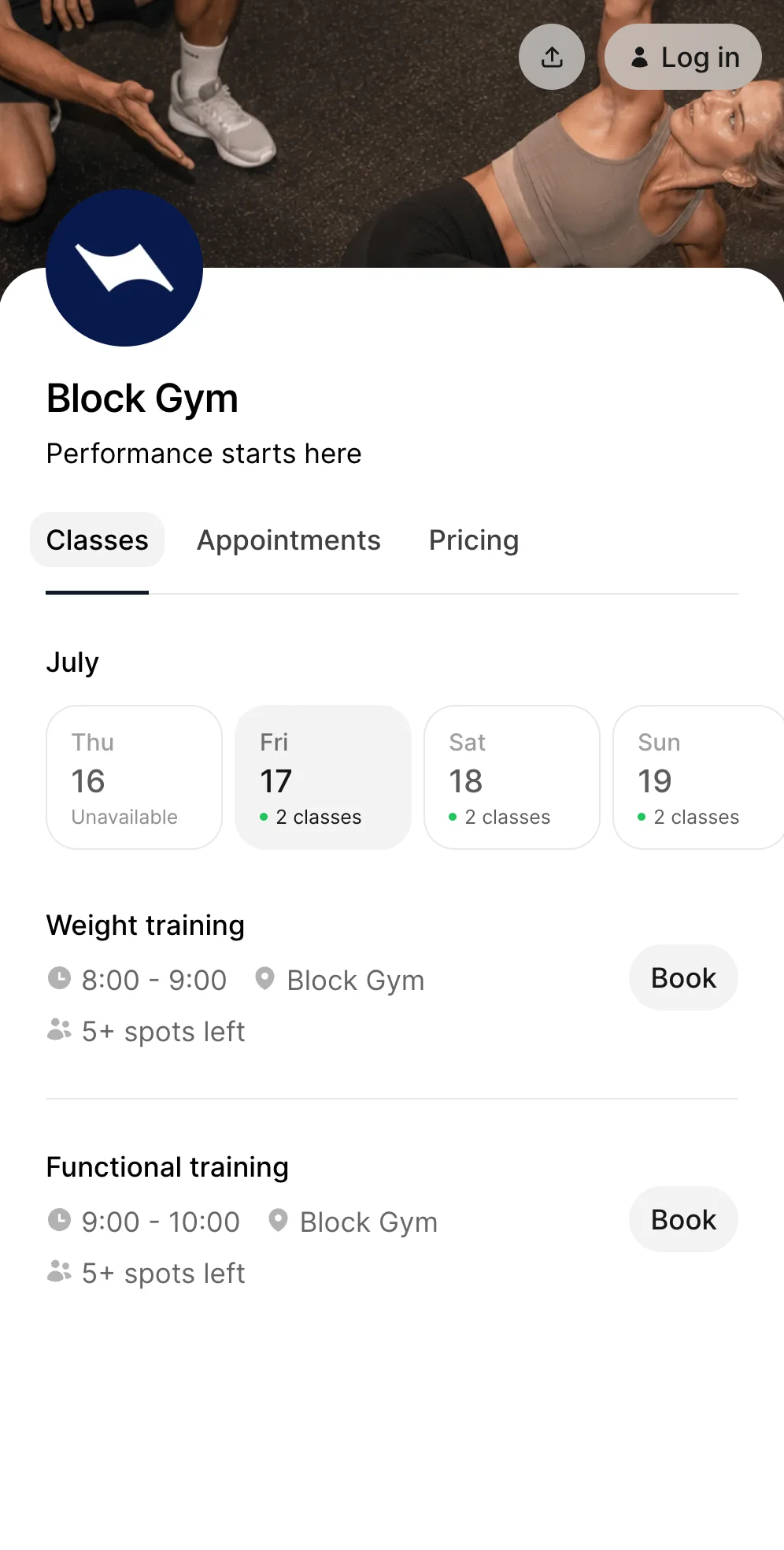
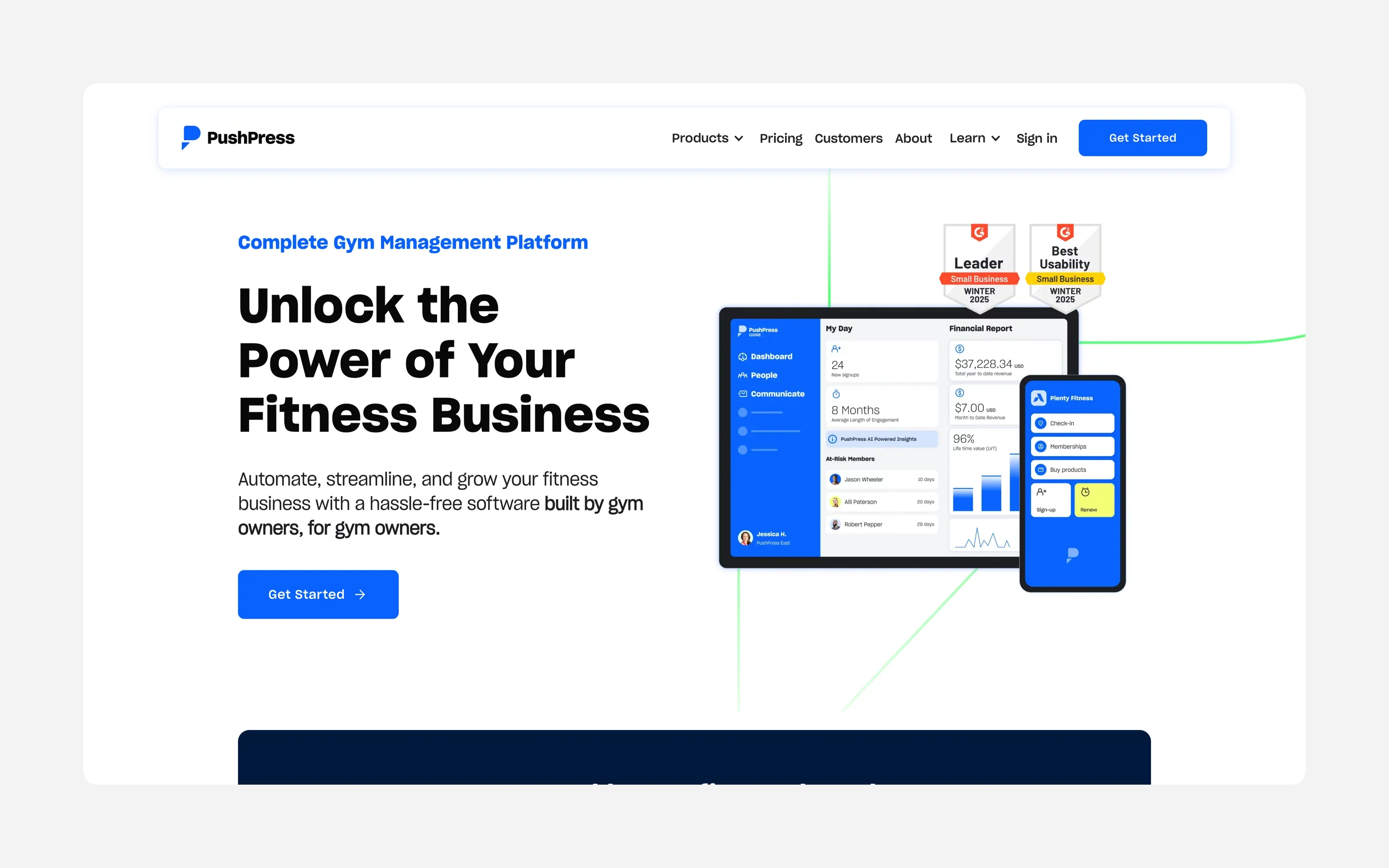
PushPress is popular with CrossFit boxes and independent gyms, and it is rated 4.7 out of 5 on Capterra. A free plan and a gym-first feature set explain why.
So why look for an alternative? Usually one of three things happens: the card fees start to add up, the add-ons pile on, or the gym turns out to be more of a class business than a workout business.
This guide is for owners in that spot. It covers what PushPress really costs, who should stay, how seven alternatives compare, what to ask any vendor, and how to switch without breaking billing.
Quick picks
- You run classes and memberships, not programming: Time2book
- Members log scores and you want leaderboards: stay on PushPress, or look at Wodify
- Established gym that wants an all-in-one: Zen Planner or TeamUp
- You want a branded app for your members: Glofox
- You want marketplace clients: Mindbody
- You want a big feature set and can handle complexity: WellnessLiving
The rest of this guide explains why.
Stay or switch?
Stay on PushPress if:
- members log scores, and you use workout programming
- you run a CrossFit-style box and want gym-first tools
- you take mostly ACH or in-person payments, where the rates are low
- your numbers work out on the plan you are on (see the cost section below)
Look at alternatives if:
- you mostly sell classes, packs, and memberships, with no programming
- card payments are most of your revenue, and fees matter
- you are paying for add-ons you barely use
- you run Pilates, yoga, barre, or dance and want class-first software
What PushPress does well, and where it falls short
What it does well. PushPress was built for gyms and boxes. It covers class scheduling, billing, a member app, self check-in, waivers, and integrations. Reviewers give support a high score (4.8 on Software Advice). Its pricing page also says unlimited members, staff, and leads are included on every plan.
What it says about Pilates and yoga. PushPress has pages for reformer studios and yoga studios. It lists class caps per reformer, waitlists, late-cancel and no-show rules, class packs of 5, 10 or 20, limited-visit plans, unlimited memberships, instructor pay reports, and portable card tokens. These are the company's own claims, and reviewers rarely mention them, so test them yourself.
Where reviewers push back. The complaints we found are mostly about:
- Payments. Some reviewers say payments failed or were unreliable, and that prospects couldn't pay at sign-up.
- The learning curve. Reviewers describe editing the schedule and what members see as harder than it should be, with more clicks than needed.
- The member app. One owner said a test account spammed members and once took a place in a full class.
- Reporting. Some want more detailed analytics.
- Not all-in-one. PushPress says it is not "all-in-one" and points you to integrations for some jobs, which can mean paying for extra tools.
These are individual reviews, not a verified pattern. Most reviewers are gym owners, so there is little independent feedback from Pilates or yoga studios.
What PushPress really costs
The headline is "free", but the cost sits in processing and add-ons. From PushPress's pricing page:
| Plan | Monthly fee | Card processing | ACH processing | Support |
|---|---|---|---|---|
| Free | $0 | 4.99% + $0.30 | 2.89% + $0.30 | Self-serve and AI, human help within 48 hours |
| Pro | $159 | 2.89% + $0.30 | 0.79% + $0.30 | Live human responses, optional video calls |
| Max | $229 | 2.75% + $0.30 | 0.79% + $0.30 | Same as Pro |
All three plans list unlimited members, admins, staff, and leads. Optional add-ons are priced separately:
| Add-on | Price per month | What it does |
|---|---|---|
| Train | $79 | Workout tracking for up to 20 clients |
| Branded App | $97 | Your own branded member app |
| Grow | $329 | CRM, automated workflows, email and SMS, websites |
| Full Stack | about $559 | All features combined |
Which plan is cheapest at your card volume?
This table adds the monthly fee to the percentage part of the card fee. The $0.30 per transaction is the same on every plan, so it is left out.
| Monthly card payments | Free | Pro | Max |
|---|---|---|---|
| $3,000 | $150 | $246 | $312 |
| $7,500 | $374 | $376 | $435 |
| $15,000 | $749 | $593 | $642 |
| $30,000 | $1,497 | $1,026 | $1,054 |
What it shows:
- Below about $7,600 a month in card payments, Free is the cheapest.
- Above that, Pro wins, and Max only beats Pro above about $50,000 a month.
- Taking payments by ACH instead of card cuts the percentage a lot, so ask members to pay by bank debit where you can.
- Add-ons are not in these numbers. If you need Grow or the branded app, add them.
Time2book's plans are $29 per month billed yearly ($39 billed monthly) and up, with payments processed through Stripe. Check Stripe's rates for your country, and compare the total, not the plan fee.
What to look for in an alternative
Features lists look alike. These are the things that separate tools in practice. Ask each vendor about them.
1. All-in cost. Plan fee, processing rate, add-ons for the app, website, and marketing, and any setup or onboarding fee. Ask for it in writing.
2. Billing and card migration. Who requests the card transfer? Does the vendor charge for it? How long does it take?
3. Workout tracking. Do you need programming, scores, or leaderboards? If not, don't pay for them.
4. Class rules. Capacity per class, waitlists, late-cancel and no-show fees, and recurring bookings.
5. Check-in. Kiosk, QR code, or front-desk check-in, and how it handles class packs.
6. Waivers and forms. Digital waivers signed at sign-up, stored on the client record.
7. Member app. Is there a branded app, or do members use a web booking page? What does it cost?
8. Reporting. Can you see revenue, attendance, churn, and failed payments without exporting?
9. Support. Who answers, how fast, and is there a person in your time zone?
10. Contract. Term, renewal, notice period, and how to cancel.
PushPress alternatives at a glance
| Software | Best for | Starting price | Public pricing |
|---|---|---|---|
| Time2book | Class-based studios and small gyms | $39/mo or $29/mo annually | Yes |
| Wodify | CrossFit boxes | Quote-based | No |
| Zen Planner | Established gyms, all-in-one | From $99/mo | Yes |
| TeamUp | Gyms wanting one plan | From $119/mo | Yes |
| Glofox | Gyms wanting a branded app | From $99/mo per location | No |
| Mindbody | Studios wanting a marketplace | From $79/mo per location | Yes |
| WellnessLiving | Big feature set | From $69/mo | Yes |
Pricing checked in October 2026 and may vary by country, plan, and add-ons.
The 7 options
1. Time2book
Best for: class-based studios and small gyms that don't need workout programming
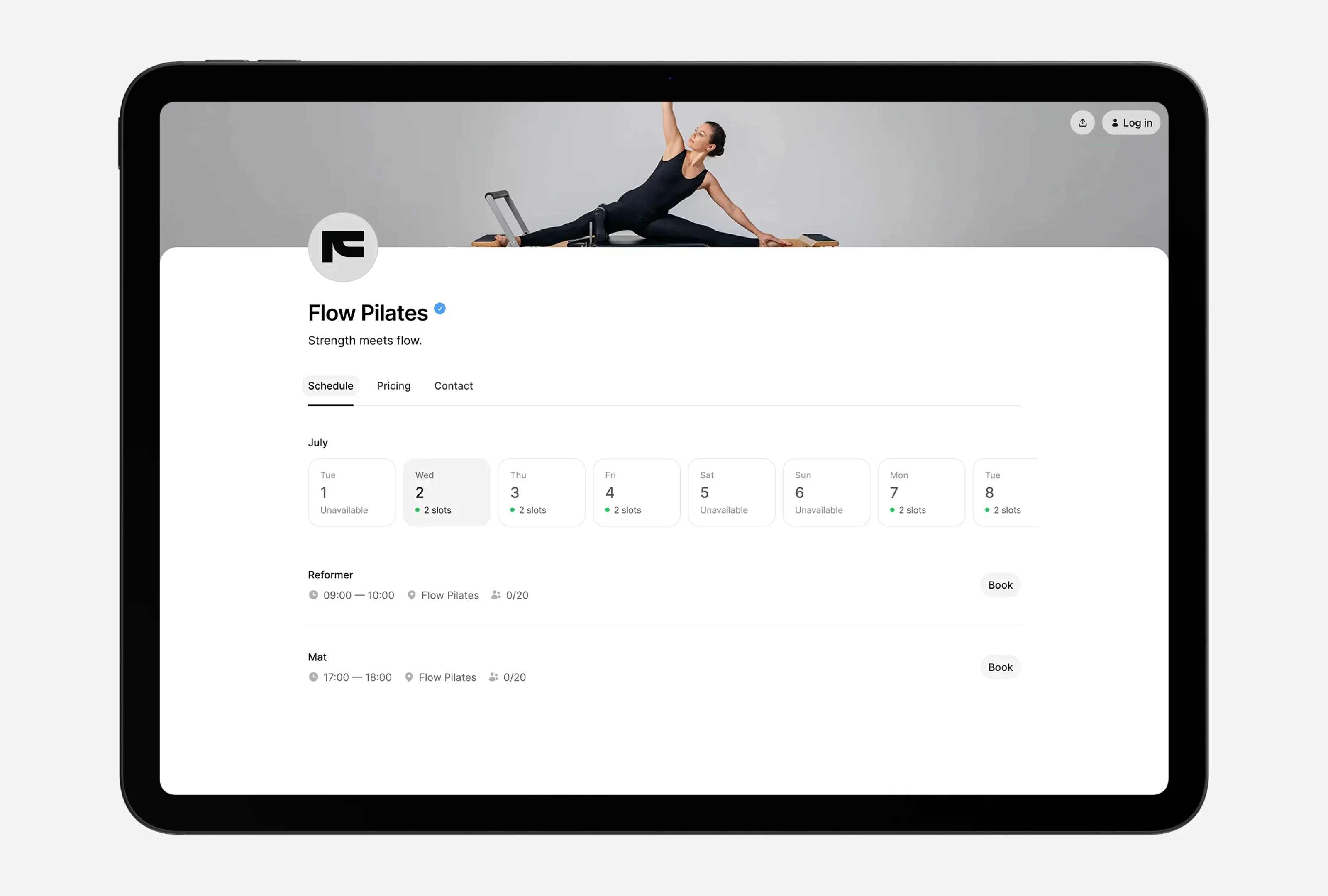
Time2book covers the part of PushPress most studios use every day: the class schedule, memberships, class packs, online payments, waitlists, and client management. Pricing is on the pricing page: Starter from $29 per month billed yearly, Growth $59, Professional $99, Business $199, with unlimited bookings on every plan.
Choose it if your members book classes but don't track workouts, and you want a price you can see before talking to anyone.
Skip it if your members log WODs, or you need programming and leaderboards. Time2book has none of that.
See the Time2book vs PushPress comparison.
2. Wodify
Best for: CrossFit boxes that want programming, scores, and leaderboards next to billing
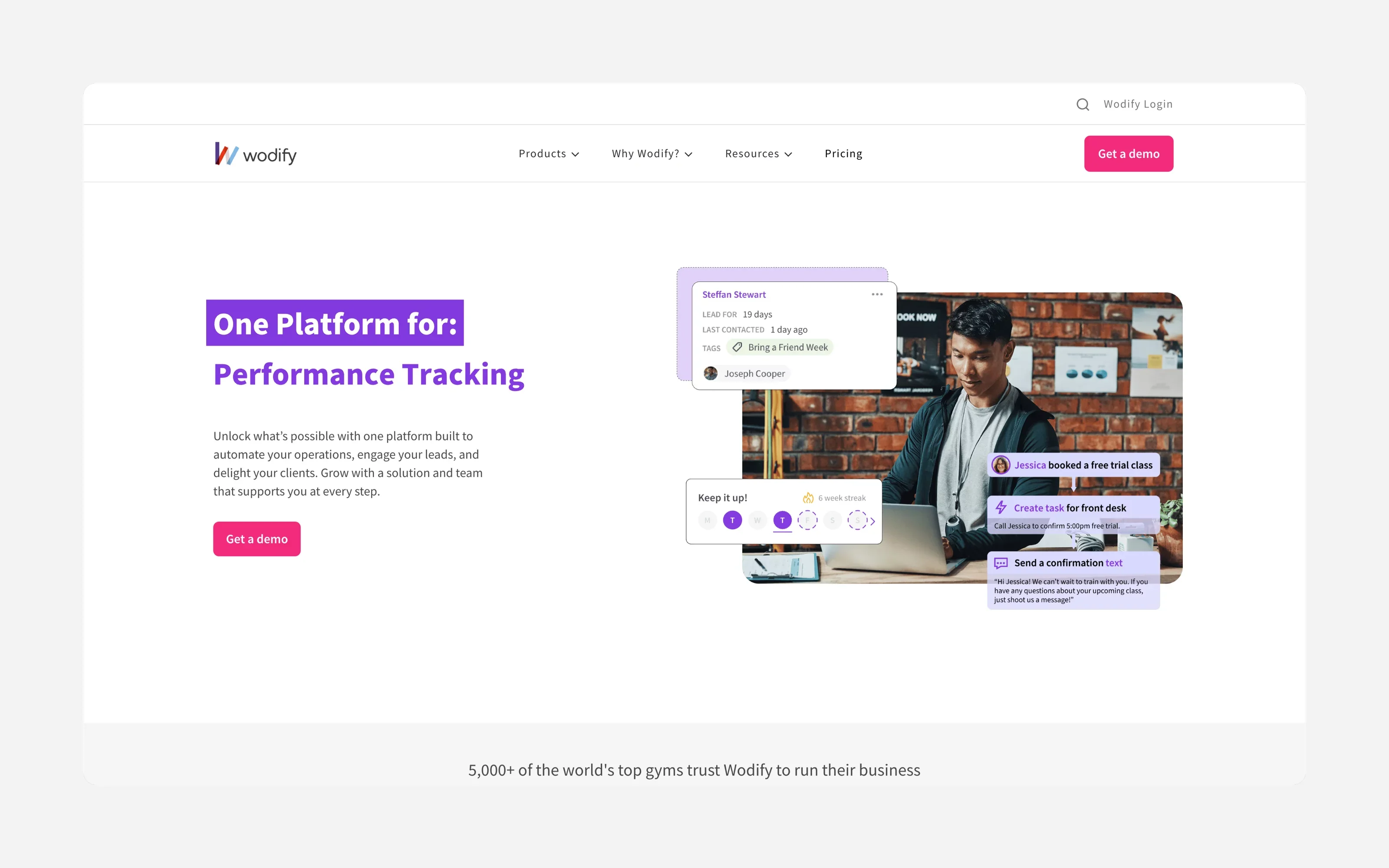
Wodify started in CrossFit and is the closest like-for-like if workout tracking is the reason you chose PushPress. Pricing is by quote. Third-party sites list it anywhere from about $79 to $179 per month, but they disagree, so ask Wodify directly.
Choose it if workout tracking and community are central to your gym.
Skip it if members don't log scores. You would pay for features you don't use, and onboarding or setup fees may apply. More on the category in our best CrossFit management software guide.
3. Zen Planner
Best for: established gyms that want billing, scheduling, marketing, and attendance in one platform

Zen Planner prices by active members, with plans from $99 per month. Add-ons such as a branded app, card readers, and a website cost extra.
Choose it if you have a larger gym and want most tools under one login.
Skip it if you are small. Add-ons and a learning curve make it heavier than a small gym needs.
4. TeamUp
Best for: gyms and studios that want one plan with every feature
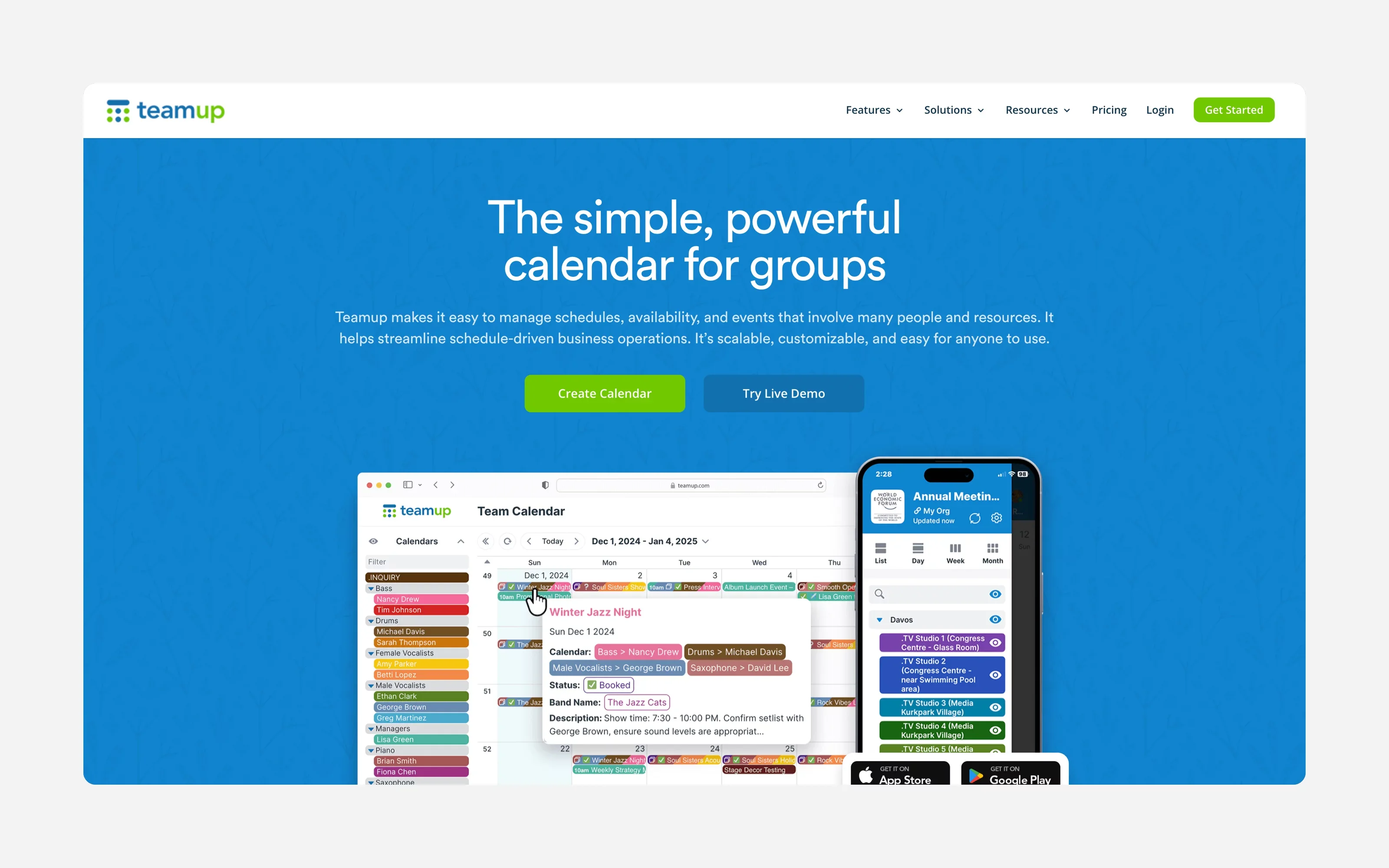
TeamUp lists a single usage-based plan from about $119 per month, with member management, reporting, and events included. Card payments are charged separately.
Choose it if you don't want to compare tiers and add-ons.
Skip it if your active customer count is climbing fast, because the price scales with it. Check the current terms with TeamUp.
5. Glofox
Best for: gyms that want a branded app
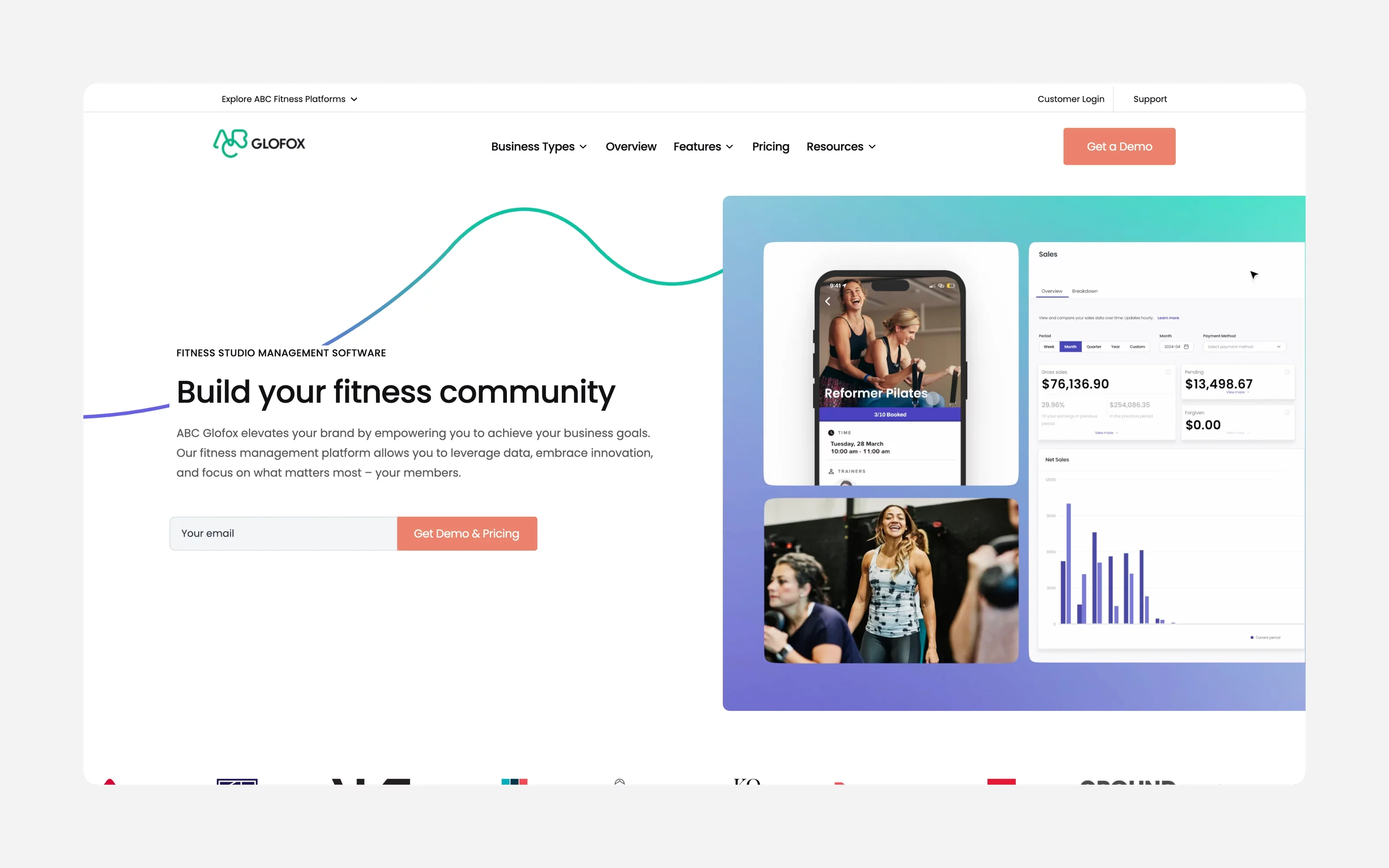
Glofox is built around memberships and a branded app, from $99 per month per location, with no public price table. PushPress charges $97 per month for its branded app add-on, so compare the all-in cost.
Choose it if an app with your name on it matters to your members.
Skip it if you want to see prices before a sales call. See Time2book vs Glofox and our best Glofox alternatives.
6. Mindbody
Best for: studios that want access to a consumer marketplace

Mindbody lists plans from $79 per month per location and includes a listing in its consumer app, which can bring in new clients.
Choose it if marketplace discovery is worth the extra weight.
Skip it if you want simple software. See Time2book vs Mindbody and our best Mindbody alternatives.
7. WellnessLiving
Best for: businesses that want a large feature set
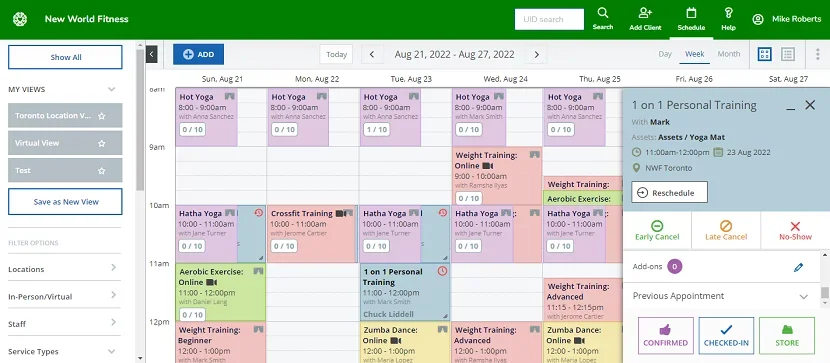
WellnessLiving lists Starter at $69 per month for one staff member, with Business at $199 and BusinessPro at $349.
Choose it if you want marketing, loyalty, and apps in one system.
Skip it if you have a small team, because the step from Starter to Business is large. See Time2book vs WellnessLiving and our best WellnessLiving alternatives.
Which one fits your gym?
| If you run... | Look at |
|---|---|
| A CrossFit box with programming | PushPress or Wodify |
| A Pilates, yoga, barre, or dance studio | Time2book. See our best Pilates software |
| Personal training and small groups | Time2book. See our best personal trainer software |
| A large gym with many members | Zen Planner, TeamUp, or Glofox |
| A studio that wants marketplace clients | Mindbody |
For a wider gym list, see our best gym booking software.
How to switch from PushPress without breaking billing
Billing is the risky part, not the schedule. This order protects your revenue.
Step 1: Read your contract (week 1)
Find the end date, notice period, and renewal terms, and write the notice deadline down. Don't cancel anything yet.
Step 2: Choose the new tool and payment setup (week 1)
Ask the vendor who does the import, what can't be imported, and who requests the card transfer. Test a trial with a real class and a real payment.
Step 3: Start the card transfer first (weeks 1 to 3, sometimes longer)
Card numbers can't be exported in a spreadsheet. They move directly between payment processors. PushPress uses Stripe, as Time2book does, so a Stripe-to-Stripe transfer is often possible. Ask your new provider to request it, and include names and emails so cards match to members. It can take weeks, so do it before anything else.
If cards can't move, plan to ask members to re-enter them. Send a clear link, follow up, and set a deadline before the first billing run.
Step 4: Export and clean your data (weeks 1 to 3)
While you still have full access:
- Members and leads, including notes
- Active memberships with plans, prices, and next billing dates
- Class pack and drop-in balances
- Frozen members and family links
- Signed waivers and the waiver template
- Workout history and scores. Many tools can't import these, so keep a copy
- A screenshot of your class schedule
Fix missing emails, duplicate profiles, and misspelled names before you import.
Step 5: Import, then rebuild (after cards arrive)
Import members first, then memberships, then attendance and leads. Rebuild by hand what doesn't import: the class schedule, staff accounts, waivers, and automations such as failed-payment emails and trial follow-ups.
Step 6: Run both systems side by side (1 to 2 weeks)
Test a check-in, a booking from a phone, a test charge, and a normal staff shift. Cancel dead plans before the card transfer so inactive members aren't charged.
Step 7: Go live in order
- Turn off billing in PushPress
- Turn on payments in the new system
- Turn on emails and reminders
- Tell members what changed and where to book
Step 8: Cancel PushPress last
Wait for one clean billing run, then give notice inside your contract window. Plan on about one extra month of overlap.
For another view, see Gymdesk's guide to switching gym software. If you need help moving to Time2book, contact us.
Common mistakes when switching
- Cancelling the old tool first. Always get a clean billing run on the new one.
- Billing in both systems. Members get charged twice. Turn the old one off before the new one goes on.
- Importing before the cards arrive. The new system ends up out of date.
- Missing emails. Members can't log in or add a card.
- Duplicate profiles. Name mismatches create them.
- Losing unsubscribes. Import opt-outs so you don't email people who opted out.
- Comparing the plan fee only. Processing and add-ons are where the cost sits.
Final verdict
PushPress is a good gym platform, and for a box with programming it can be the right choice. If your gym mostly sells class bookings and memberships, you may be paying for tools and fees you don't need.
- Choose Time2book if you want simple class booking, memberships, and clear pricing
- Choose Wodify if workout tracking is the point
- Choose Zen Planner or TeamUp if you have a larger gym and want an all-in-one
Whatever you pick, run the numbers on your own card volume, test a real payment in the trial, and start the card transfer before anything else.
FAQ
If you run classes more than workouts, look for a tool built around schedules, memberships, and class packs. Time2book is built for that: plans start at $29 per month billed yearly, or $39 billed monthly, with unlimited bookings on every plan.
PushPress has a $0 plan with no monthly fee, but card payments cost 4.99% + $0.30 on it. Pro ($159 per month) lowers card processing to 2.89% + $0.30, and Max ($229 per month) to 2.75% + $0.30. The more you take in card payments, the sooner the free plan stops being the cheapest one.
The plan is $0, $159, or $229 per month. Add-ons are priced on top: Train (workout tracking for up to 20 clients) is $79 per month, Grow (CRM, email and SMS, websites) is $329 per month, and the branded app is $97 per month. PushPress also lists a Full Stack bundle at about $559 per month.
The most common reasons in public reviews are payment problems, a learning curve when editing the schedule and member app, and extra costs once you add tools such as the branded app or marketing. Studios that are not CrossFit-style gyms also say they use only part of it.
PushPress markets itself to Pilates and yoga studios and lists class caps, waitlists, class packs, and instructor pay. But it was built for gyms and boxes first, and most reviews come from gym owners. If you run reformer or yoga classes, test booking and payments in a trial before you commit.
Usually, yes, but not by spreadsheet. Card details move directly between payment processors. PushPress uses Stripe, as Time2book does, so a Stripe-to-Stripe transfer is often possible. Ask your new provider to request it, and don't cancel PushPress until the cards have arrived.
A small studio can be live in one to two weeks if cards aren't a problem. A card transfer can add several weeks, so start it first. Plan about one extra month of overlap with the old software.
PushPress's main competitors include Time2book, Wodify, Zen Planner, TeamUp, Glofox, Mindbody, and WellnessLiving. The right one depends on whether you need workout tracking, how many members you have, and how much you pay in fees.