
Running a CrossFit box means more than programming great WODs. You need to fill classes, keep memberships billing, track who shows up, and give coaches an easy way to see who is coming, often with a small team.
The right CrossFit gym software handles that behind the scenes. In this guide, we compare the best options for class booking, member management, and payments in 2026, from simple booking tools to CrossFit-specific platforms with programming and leaderboards.
Best CrossFit Gym Software at a Glance
| Software | Best for | Starting price | Main consideration |
|---|---|---|---|
| Time2book | Small and mid-sized boxes wanting simple booking and payments | $39/mo or $29/mo annually | No WOD programming |
| PushPress | Boxes wanting a free start and CrossFit-focused tools | Free; Pro $159/mo | Best features on paid plans |
| Wodify | Boxes wanting programming, scores, and leaderboards | Quote-based | Higher price point |
| Zen Planner | Established gyms wanting an all-in-one platform | From $99/mo | Add-ons raise the cost |
| TeamUp | Gyms wanting every feature on every plan | Priced by member count | Not CrossFit-specific |
| Glofox | Gyms wanting a branded member app | From $99/mo | Higher starting price |
| Mindbody | Multi-location gyms wanting marketplace exposure | From $79/mo/location | Complex for a single box |
Pricing checked in October 2026 and may vary by country, member count, and add-ons.
1. Time2book — Best for Simple Booking and Payments
Best for: small and mid-sized CrossFit boxes that want a fast-to-set-up system for classes, memberships, and payments.
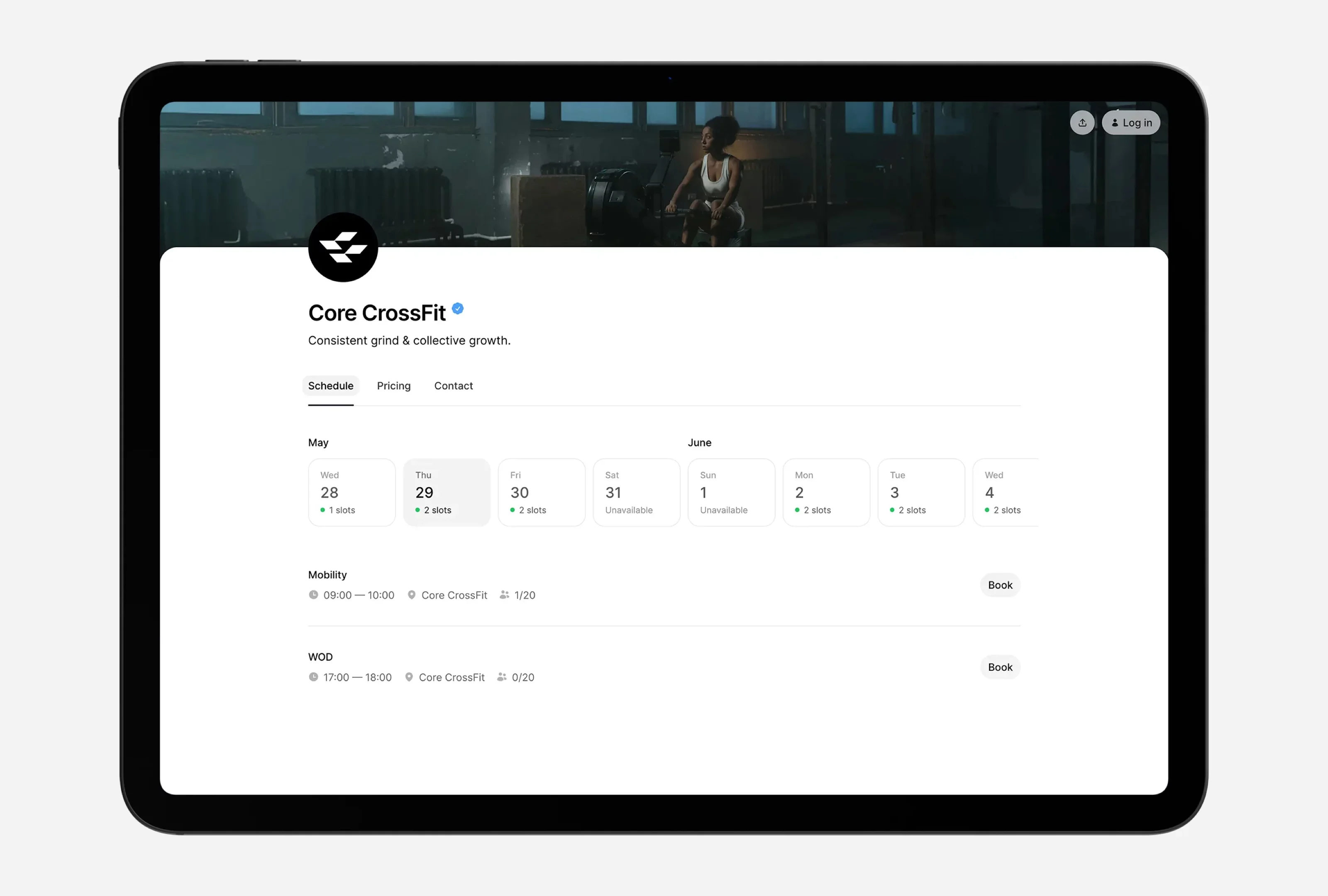
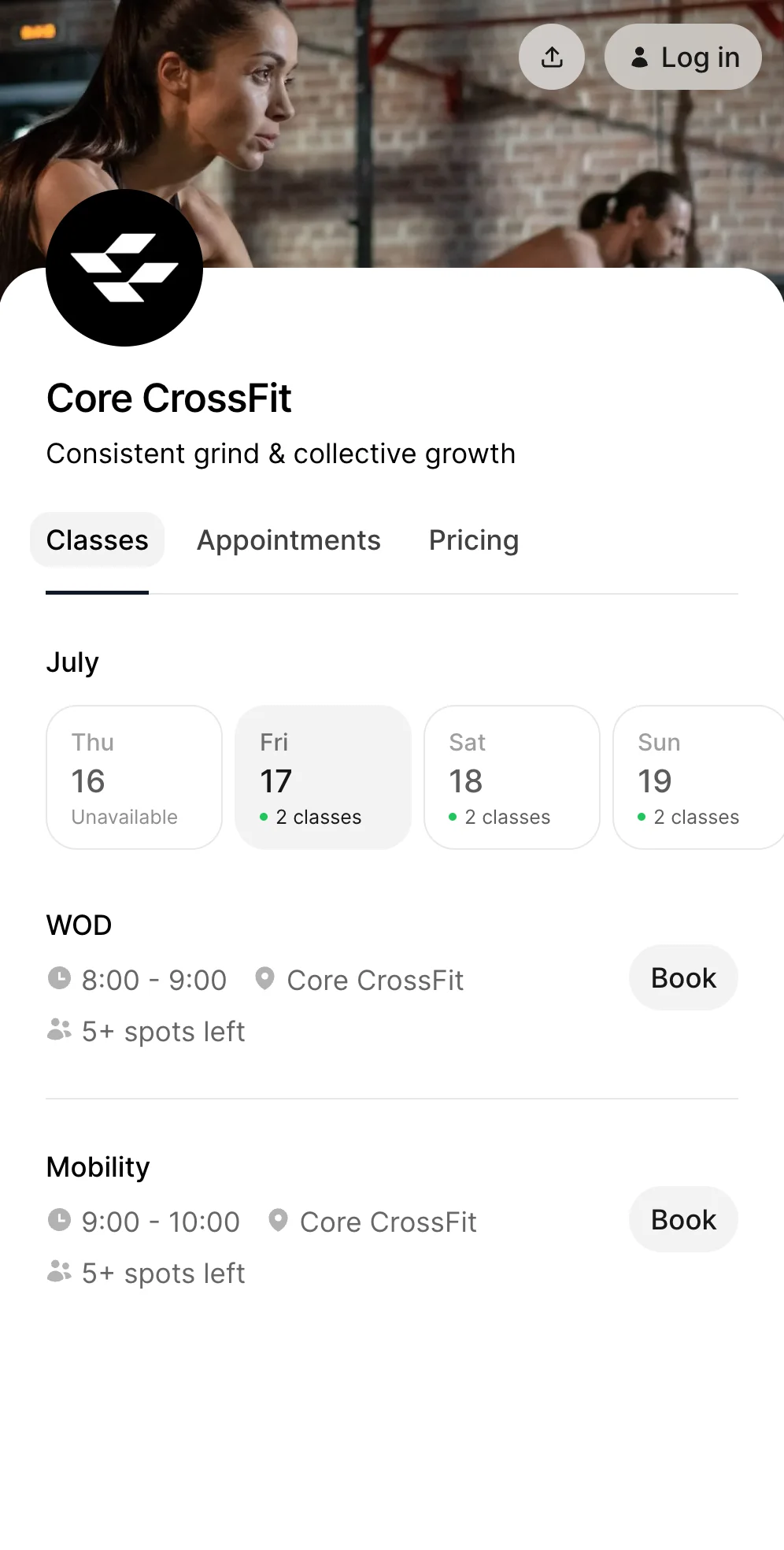
Time2book gives your box one booking page for WODs, open gym, and specialty classes. Members book and pay from their phone without an app, and memberships, class packs, and drop-ins are tracked on each member's profile.
Key features:
- Recurring class schedules for WODs, open gym, Olympic lifting, and on-ramp
- Class capacities and waitlists
- Memberships, class packs, drop-ins, and intro offers
- Payments by card, Apple Pay, and Google Pay at the time of booking
- Automated reminders and cancellation rules
- Member profiles with attendance, active plans, and revenue
- Coach access to schedules and attendance
Pricing: from $39/month, or $29/month billed annually. All plans include unlimited bookings. See pricing.
Consider: Time2book does not include workout programming or leaderboards, so boxes that want members logging scores need a separate tool.
2. PushPress — Best Free Start for CrossFit Boxes
Best for: boxes that want CrossFit-focused scheduling and billing with a free starting plan.
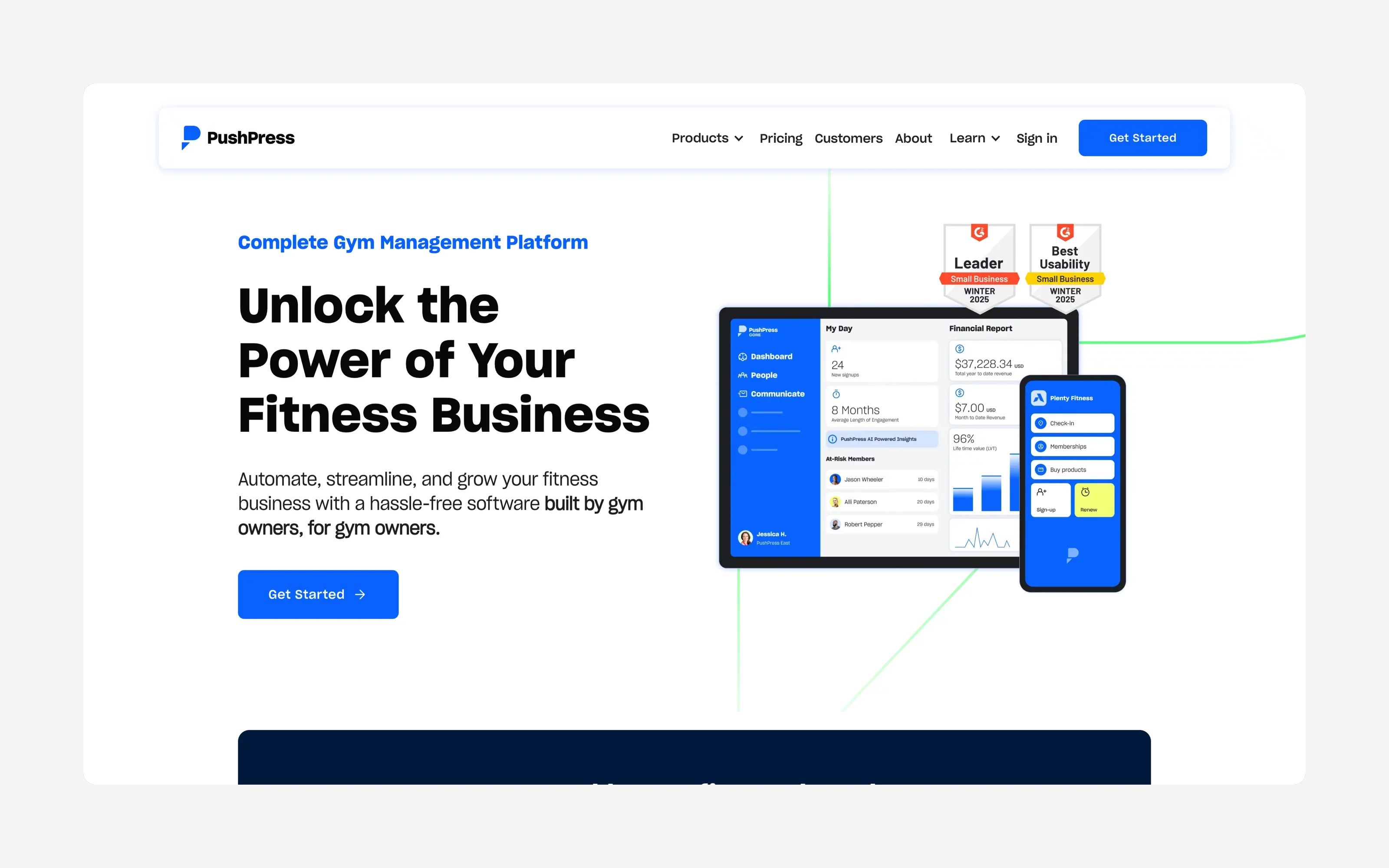
PushPress was built for performance gyms and CrossFit boxes. It covers class scheduling, self check-in, automated billing, a member app, and integrations.
Pricing: a free plan with basic scheduling, billing, and member tracking. Pro is $159/month and Max is $229/month, with lower processing rates and advanced reporting.
Consider: the jump from free to $159/month is large, and some workflows rely on integrations. See PushPress vs Time2book.
3. Wodify — Best for Programming and Leaderboards
Best for: boxes that want WOD programming, score tracking, and leaderboards in the same system as billing.
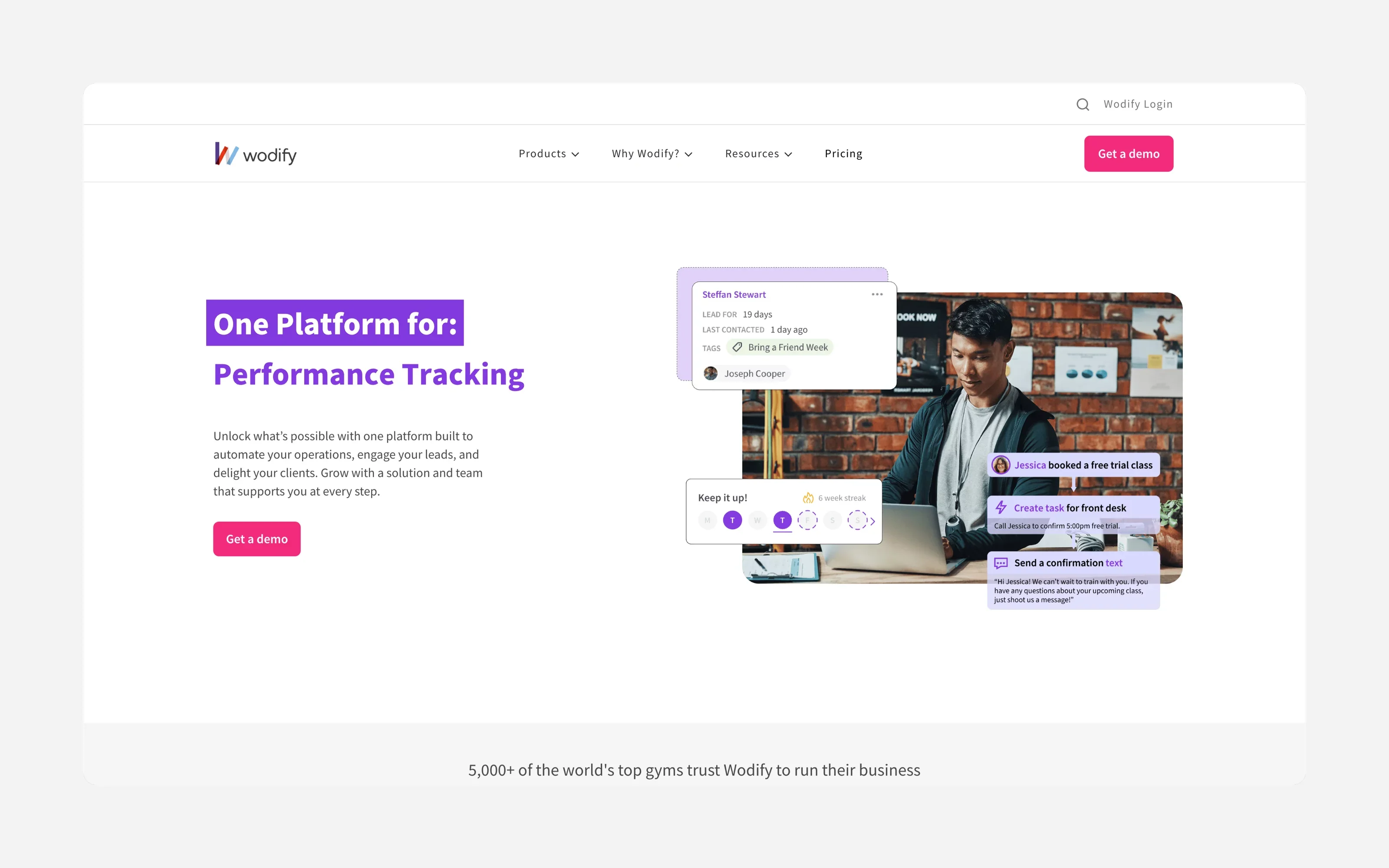
Wodify was originally built for CrossFit and is still one of the best-known names in the space. It combines class booking and billing with workout tracking, leaderboards, and performance insights.
Pricing: quote-based, at a higher price point than simple booking tools.
Consider: if your members do not log scores, you may pay for features you do not use.
4. Zen Planner — Best All-in-One for Established Gyms
Best for: established gyms that want billing, scheduling, marketing, and attendance in one platform.
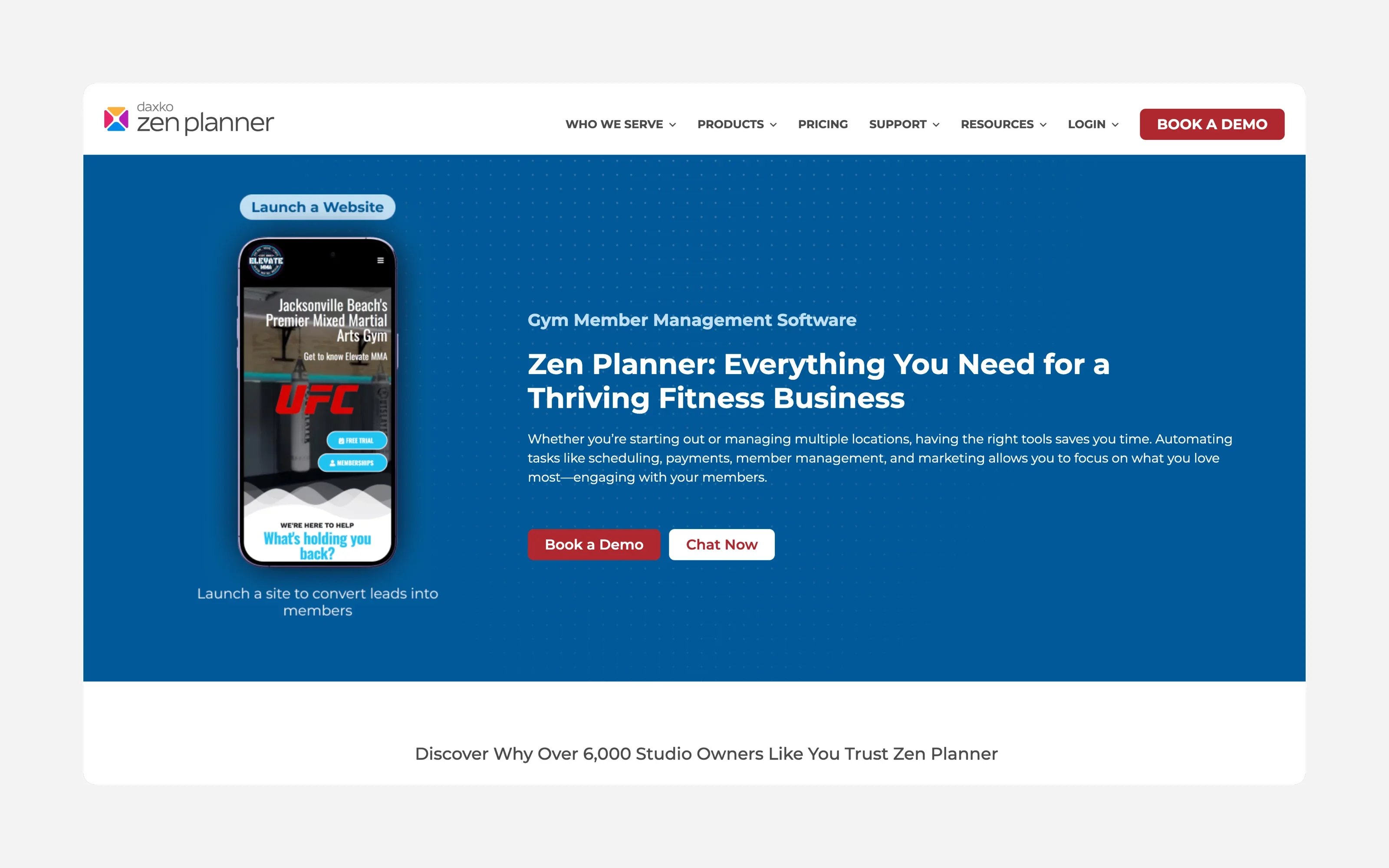
Zen Planner covers member management, automated billing, scheduling, attendance tracking, and marketing tools, with pricing based on active members.
Pricing: Studio from $99/month, Essentials from $198/month, and Ultimate from $348/month. A branded app and card readers are $39/month each, and a website is $99/month.
Consider: add-ons and a learning curve make it heavier than a small box may need.
5. TeamUp — Best for Every Feature on Every Plan
Best for: gyms that want member management, reporting, and events without feature tiers.
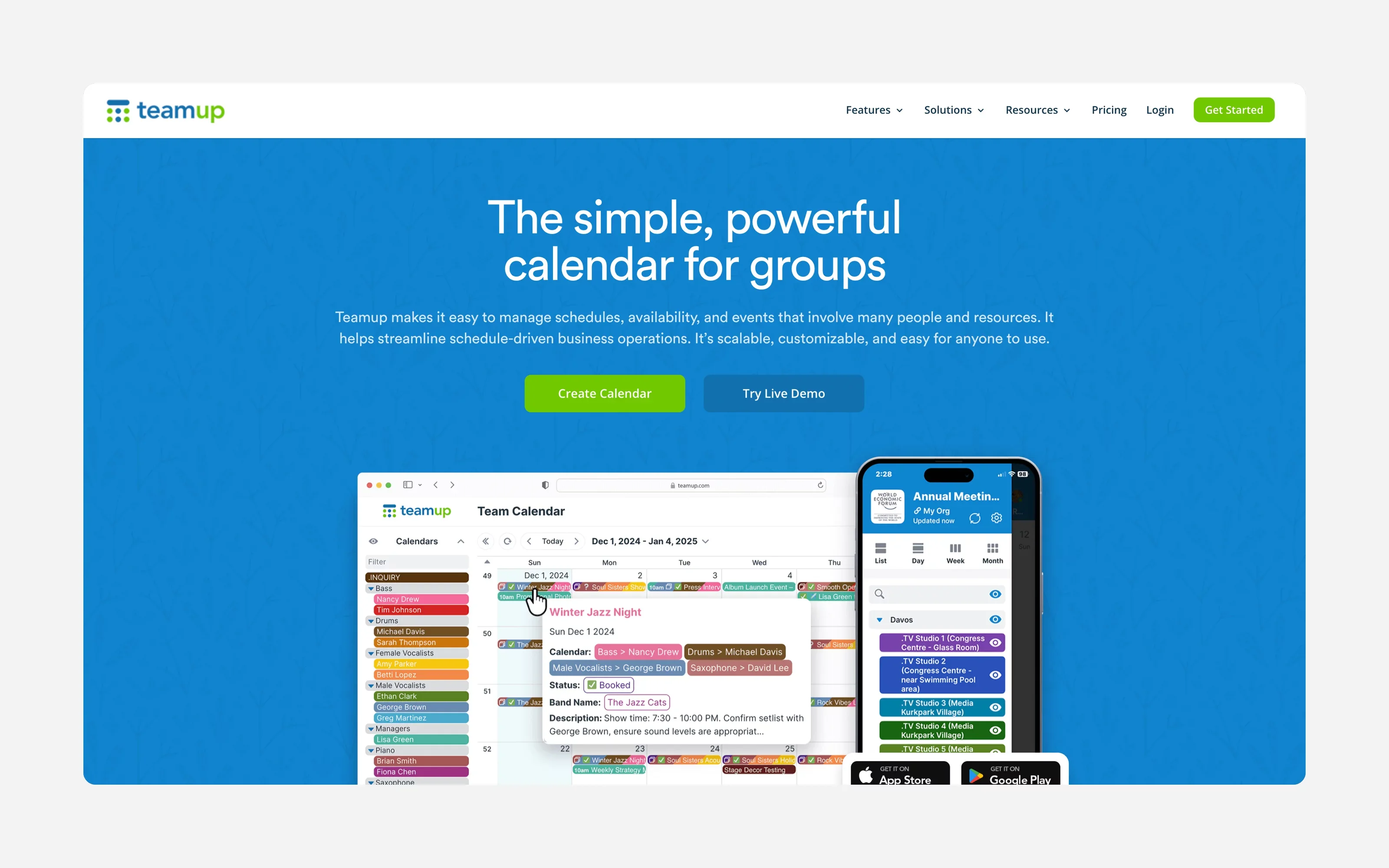
TeamUp serves a wide range of fitness businesses, including CrossFit. Every plan includes all features, with pricing tiered by member count.
Consider: it is not CrossFit-specific, and some users find the interface dated.
6. Glofox — Best for a Branded Member App
Best for: gyms that want a premium branded app and strong member communication.
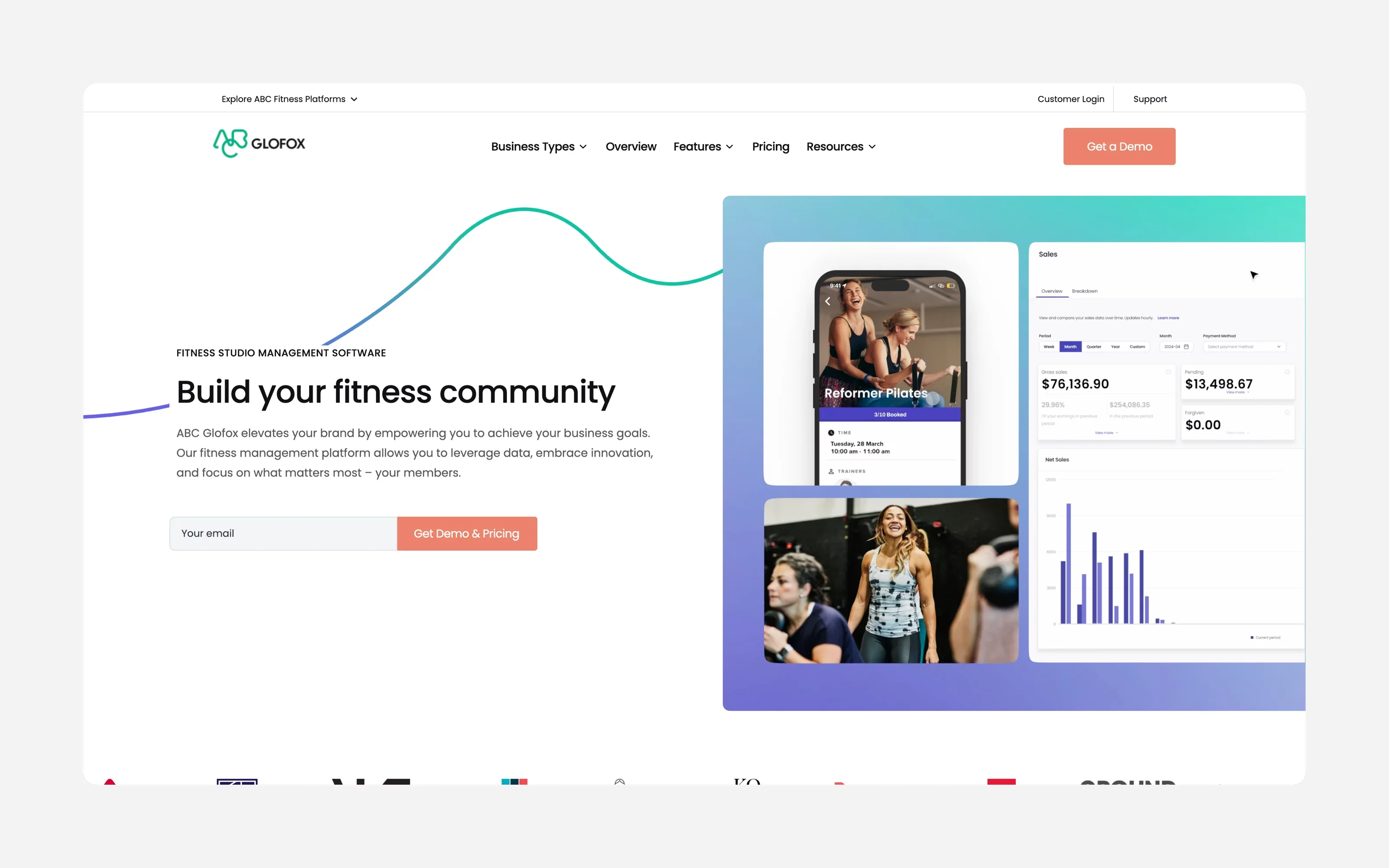
Glofox covers scheduling, membership billing, push notifications, member messaging, and reporting, with a custom-branded app on higher plans.
Pricing: from $99/month.
Consider: the price is high for a single small box. See Glofox vs Time2book.
7. Mindbody — Best for Multi-Location Gyms
Best for: established or multi-location gyms that want marketplace exposure.
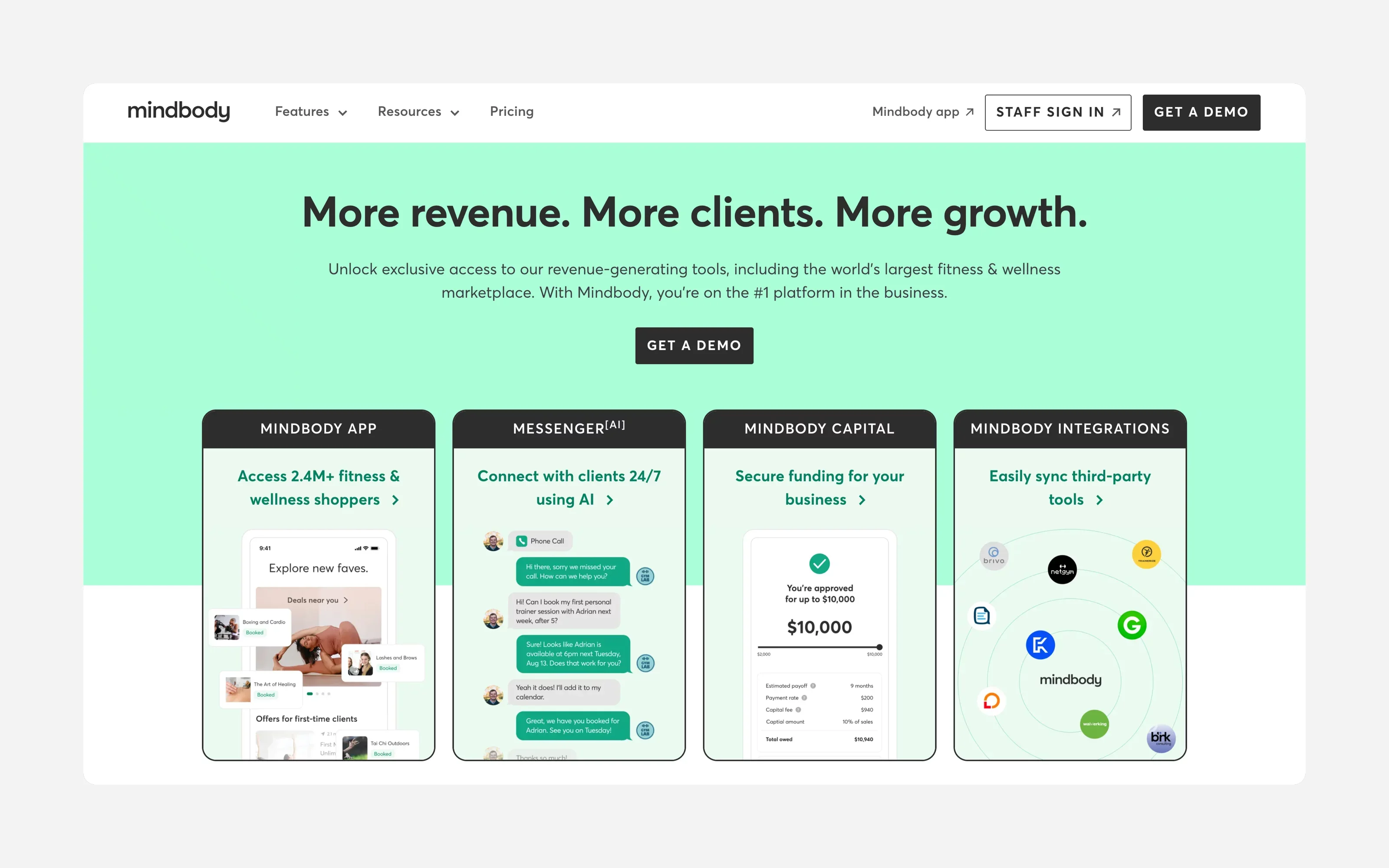
Mindbody includes class scheduling, check-in, payments, reporting, and a listing in the Mindbody consumer app, with marketing tools and branded apps on higher plans.
Pricing: from $79/month per location in the US.
Consider: it can feel complex and expensive for a single box. See our Mindbody alternatives guide.
Key Features of CrossFit Gym Software
Class scheduling and booking
Set recurring WODs, open gym, and specialty classes with capacity limits. Members should be able to book, cancel, and join a waitlist from their phone.
Memberships, packs, and drop-ins
Most boxes sell unlimited and limited monthly memberships, class packs, drop-ins for visiting athletes, and an on-ramp or intro offer. Renewals and session counts should update automatically.
Member profiles and attendance
See each member's attendance, active plan, and payment history in one place, so you can spot members who stop showing up before they cancel.
Integrated payments
Members should pay when they sign up or book, with recurring billing for memberships. Compare processing fees as well as the subscription.
Automated reminders
Booking confirmations and class reminders cut no-shows and free up spots for waitlisted members.
Coach access
Coaches need to see their classes, who is booked, and mark attendance without full admin access.
Mobile-first experience
Members book between work and training. The booking flow must be fast on a phone.
Reporting
Track revenue, active members, attendance, and your busiest classes to plan your timetable.
Frequently Asked Questions
For small and mid-sized boxes that want simple class booking, memberships, and payments, Time2book offers the best balance of simplicity and price. Gyms that want built-in WOD programming and leaderboards often choose Wodify, while larger or multi-location gyms may prefer Zen Planner, Glofox, or Mindbody.
Prices range from free plans (PushPress) to $200–$350+ per month for advanced tiers. Time2book starts at $39/month, or $29/month billed annually. Check payment processing fees and add-ons such as branded apps, card readers, and websites, which can add $40–$250 a month.
Only if you want members to log scores in the same app. Many boxes publish WODs on a whiteboard, website, or Instagram and only need software for class booking, memberships, payments, and attendance.
With Time2book, yes. Members book and pay from a mobile-friendly booking page in their browser. Many CrossFit platforms rely on a member app for booking and check-in.
Final Thoughts
For small and mid-sized boxes, Time2book handles class booking, memberships, packs, payments, and member management in one simple platform. For more on running the business side, see how much it costs to open a CrossFit gym.
Try Time2book free and get your box's booking page live today.