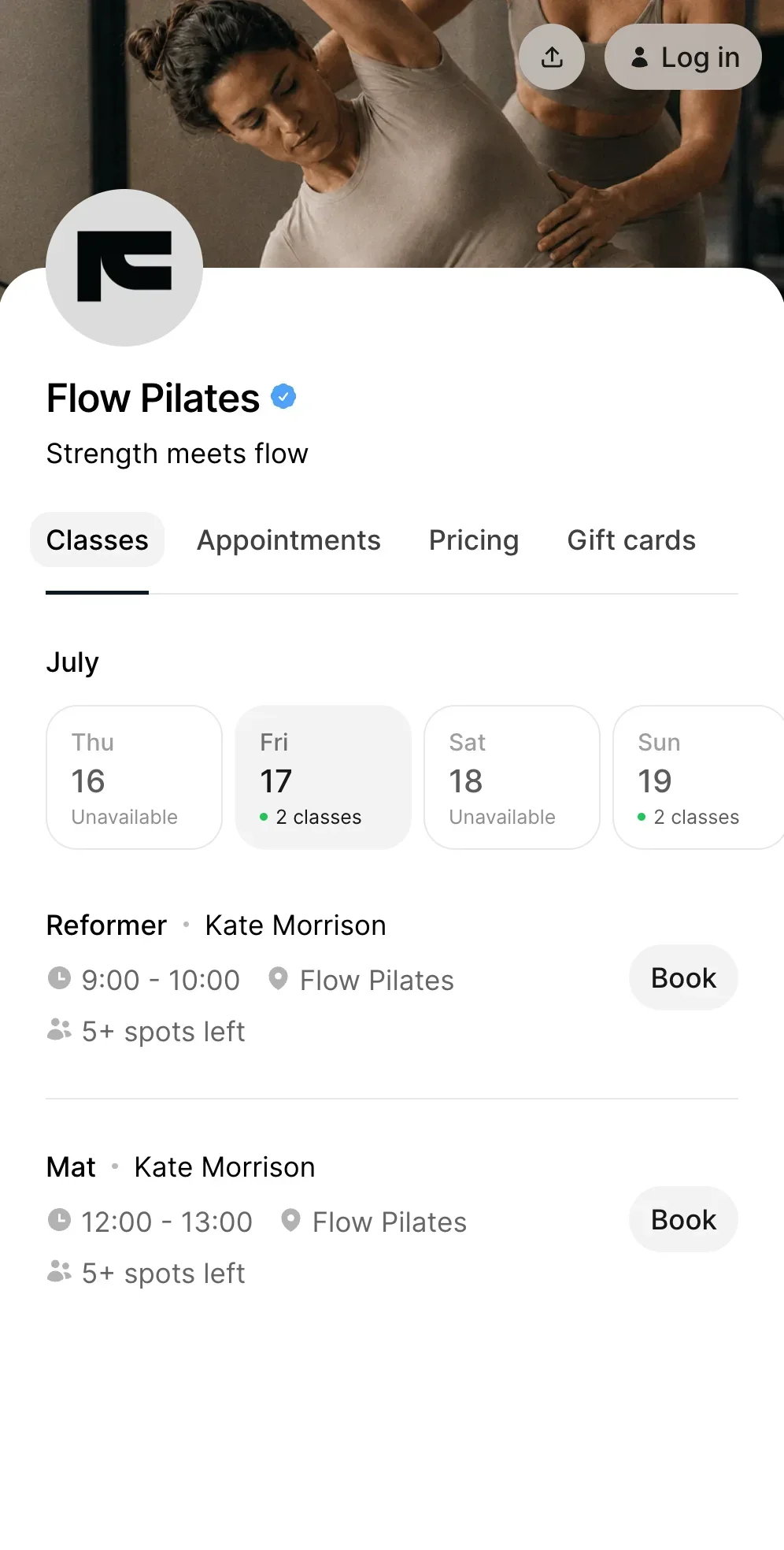
Waitlist
A waitlist is a feature that allows clients to join a queue for a fully booked class or appointment. If a spot becomes available, the system automatically fills it with someone from the waitlist.
For studios and service businesses, a waitlist helps keep classes full and reduces lost revenue from cancellations.
What is a waitlist and how does it work?
A waitlist is a system that manages demand when all available spots are already booked.
Here’s how it works:
- a class reaches full capacity
- clients can join the waitlist instead of booking
- if someone cancels, a spot opens
- the system automatically adds the next person from the waitlist
- the client receives a confirmation
Waitlists are often part of a class scheduling system and work together with an online booking system to manage availability in real time.
How waitlists help studios run more efficiently
Without a waitlist, cancelled spots often stay empty.
With a waitlist, studios can:
- automatically fill empty spots
- reduce revenue loss from cancellations
- avoid manually messaging clients
- keep classes consistently full
For example, a yoga studio with limited spots can ensure that even last-minute cancellations are filled quickly.
How waitlists connect with cancellations and no-shows
Waitlists are closely connected to cancellation behavior.
When a client cancels:
- the system immediately frees up a spot
- the next person in line is added automatically
This works especially well alongside a no-show reduction strategy, helping studios maximize attendance and minimize empty spots.
Example of a waitlist in action
A Pilates studio offers a reformer class with 10 spots.
- all spots are booked
- 3 additional clients join the waitlist
- one client cancels
- the first person in the waitlist is automatically added
The class remains full without any manual effort.
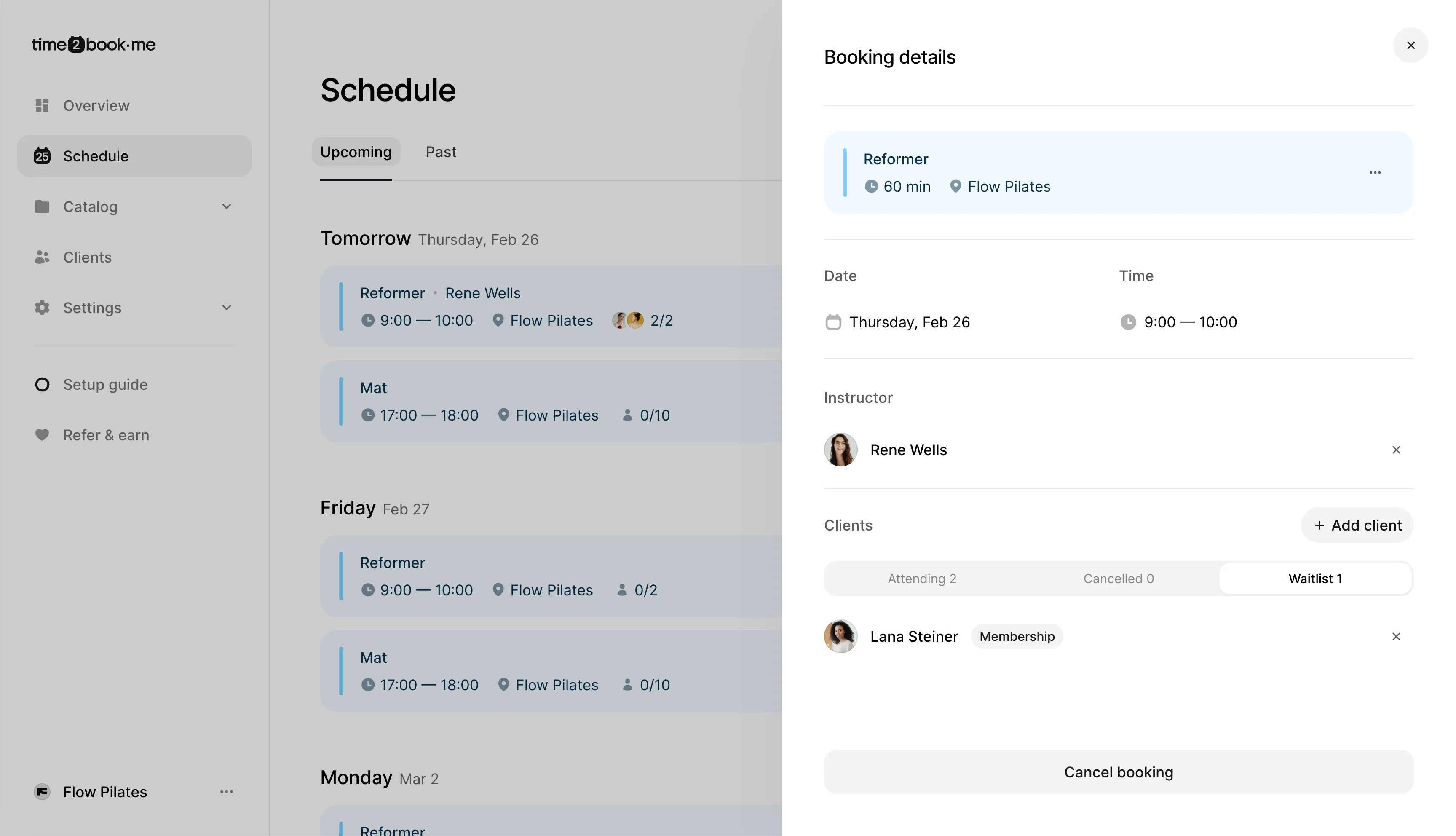
What to look for in a waitlist feature
Not all waitlists work the same way. A good system should:
- automatically fill spots when they open
- notify clients when they are added
- allow businesses to set a cutoff time
- work in real time with bookings
- integrate with scheduling and payments
These features are typically part of a broader booking automation setup.
Who benefits from waitlists?
Waitlists are especially useful for businesses with limited capacity, such as:
Any business offering group classes can benefit from keeping spots filled automatically.
Benefits of using a waitlist
Maximize class capacity Fill spots that would otherwise remain empty.
Reduce manual work No need to manage cancellations manually.
Improve client experience Clients still have a chance to join a full class.
Increase revenue More filled spots means more paid bookings.
Key takeaway
A waitlist is a simple but powerful feature that helps studios keep classes full, reduce cancellations impact, and automate booking management.
It plays an important role in any modern booking system.
Frequently asked questions
A waitlist is a feature that lets clients join a queue when a class or appointment is fully booked. If a spot becomes available, the system automatically offers or assigns it to the next person in line.
When a class is full, clients can join the waitlist. If someone cancels, the system fills the open spot with the next person on the list and sends a confirmation or notification.
Yes. Waitlists help fill spots when clients cancel, so classes stay full even with last-minute changes. This reduces lost revenue and improves attendance rates.
Yes. Clients can join a waitlist when a class is full and remove themselves if their plans change.
Yes. Even small studios benefit from waitlists because they help keep classes full and reduce the need for manual booking management.
Waitlists with Time2book
Time2book automatically fills cancelled spots with clients from the waitlist, helping you keep classes full without extra effort.
Your schedule stays full—without the back-and-forth. See how to enable waitlist.